
Before you begin
Understand employee demographics and preferences, and consider budget allocation across different gift categories.How to set up product-based gifts
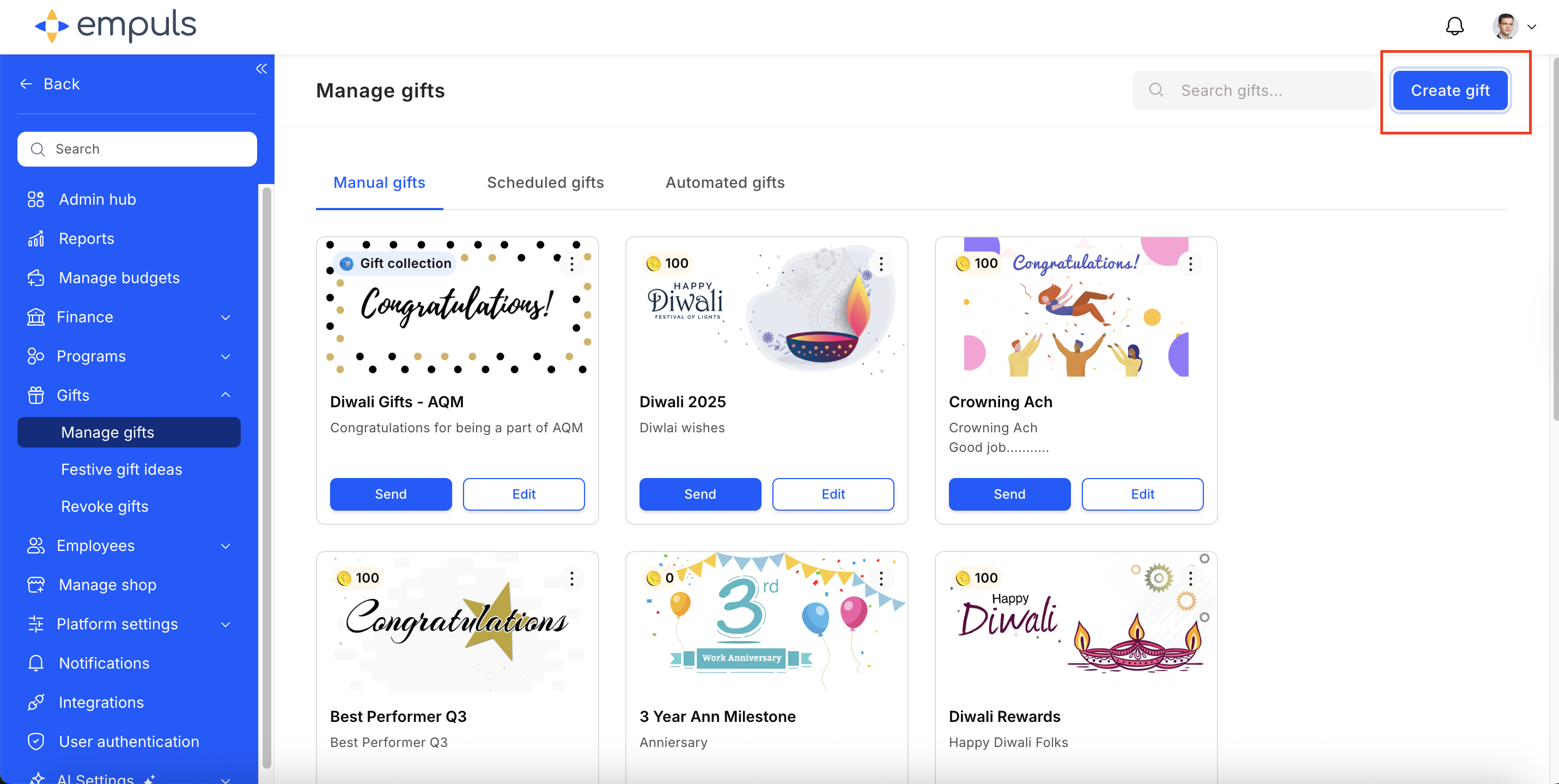
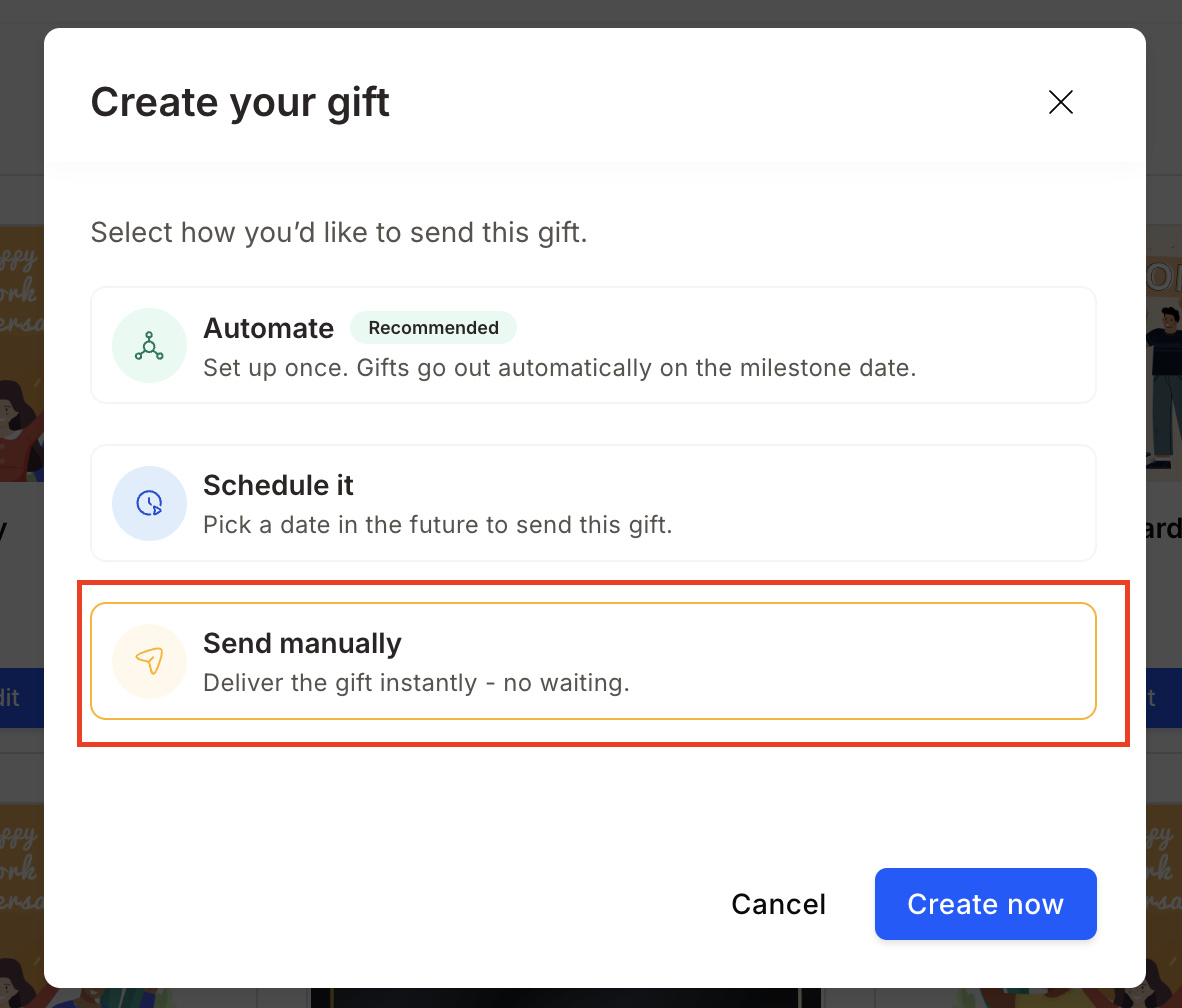
Create a new event
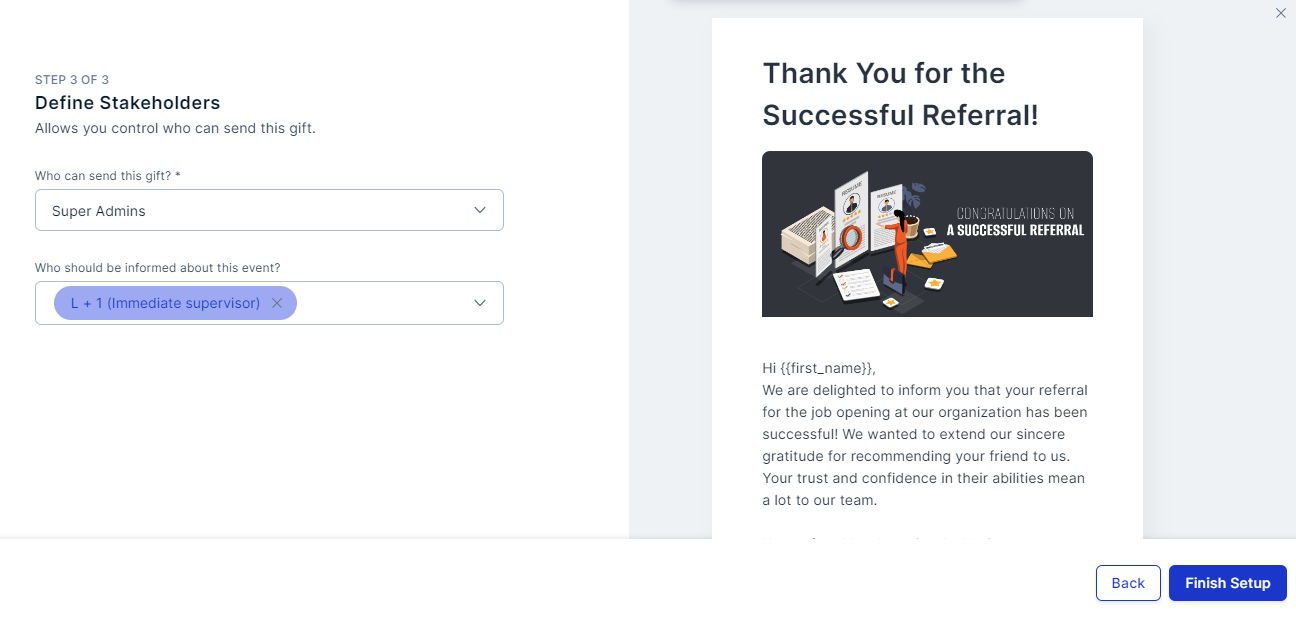
Select from existing event templates or Create New Event. Fill in the Event Name, Title, and Message.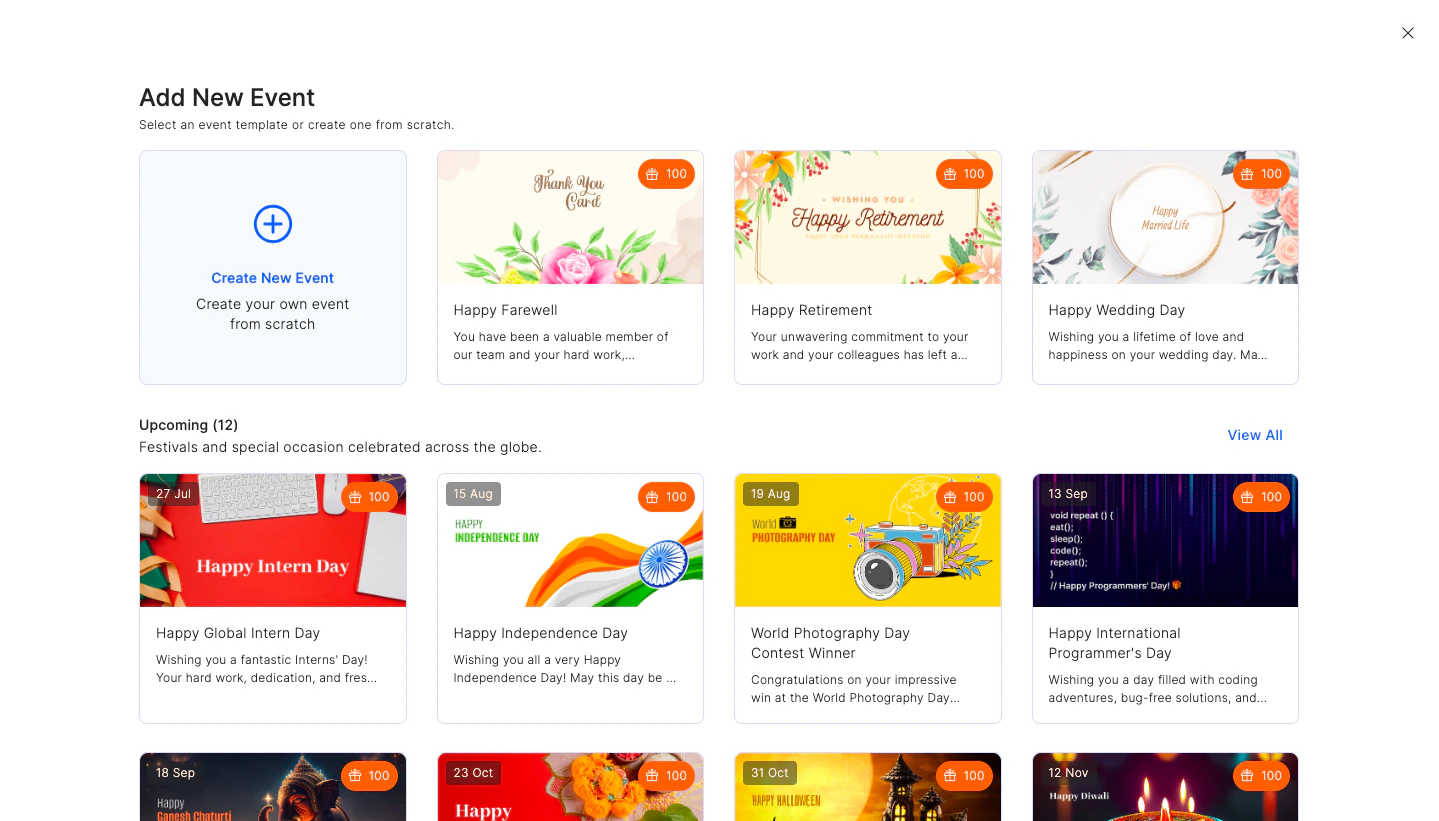
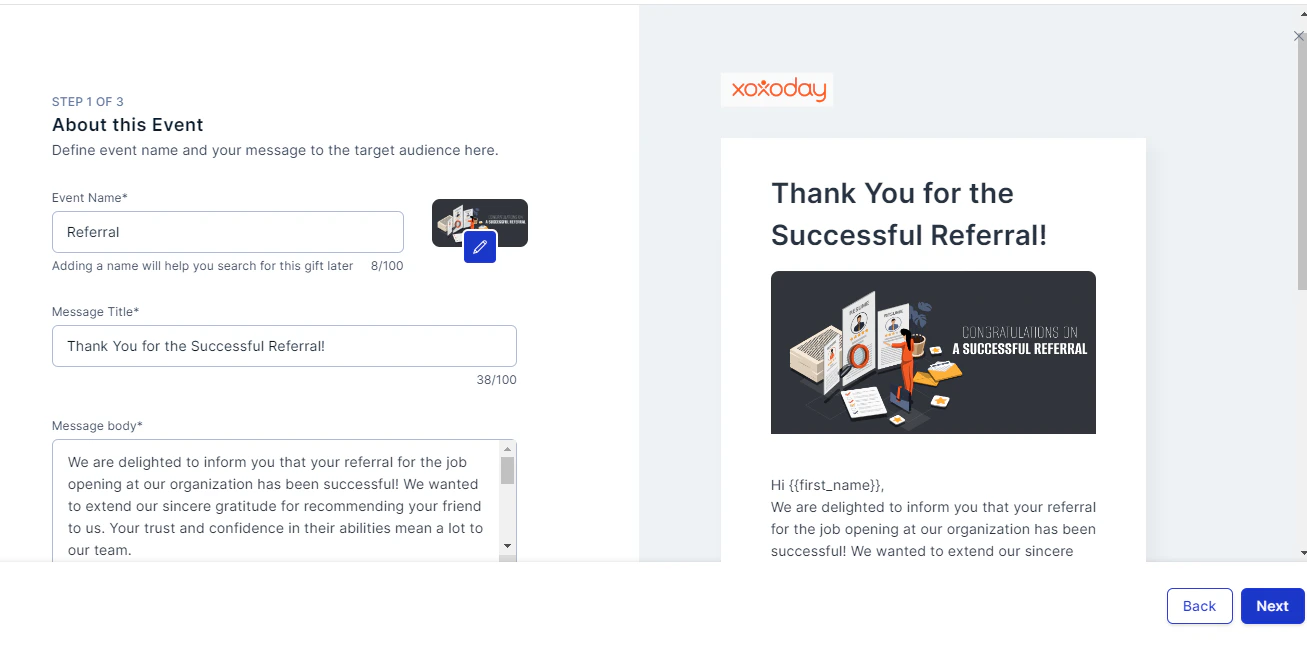
Configure the gift
In the next step, configure the gift. To set up a product-based gift, select Yes, Add Merchandise Collection and click Select Collection.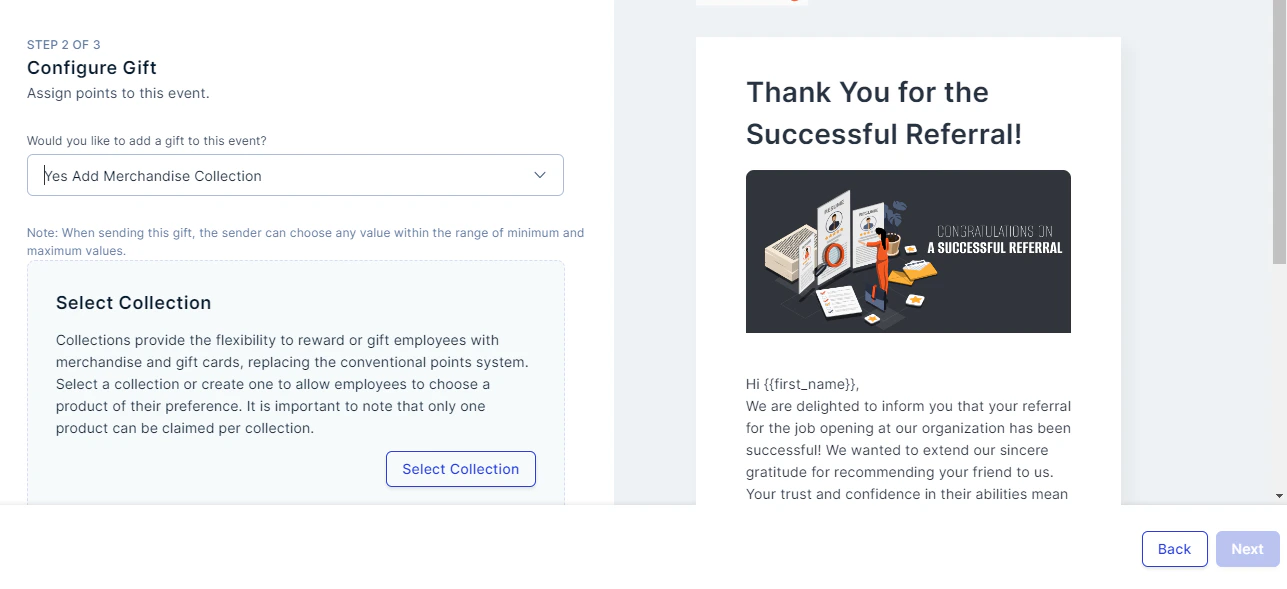
Select or create a new collection
Select a collection from the list or click Create New Collection.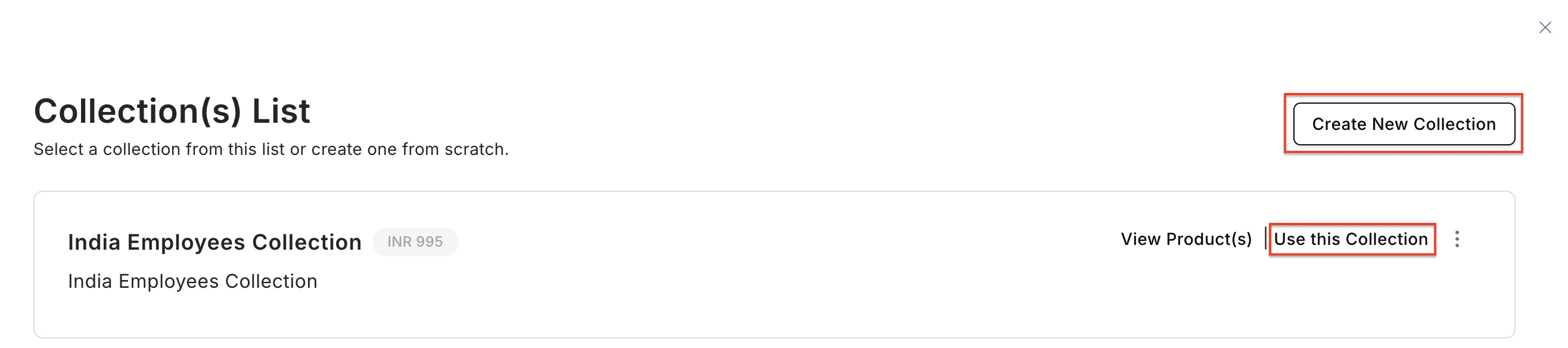
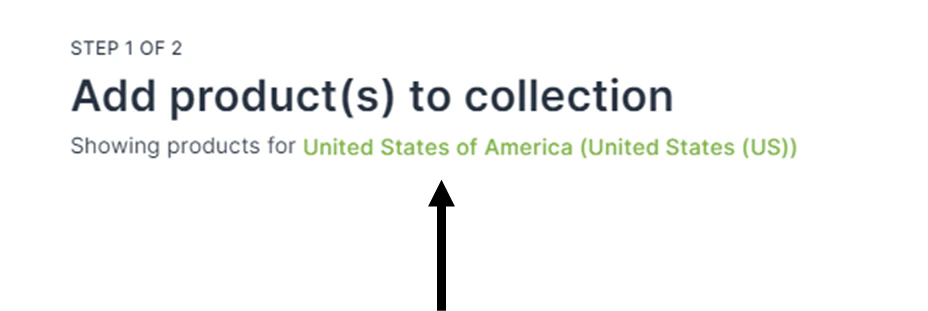
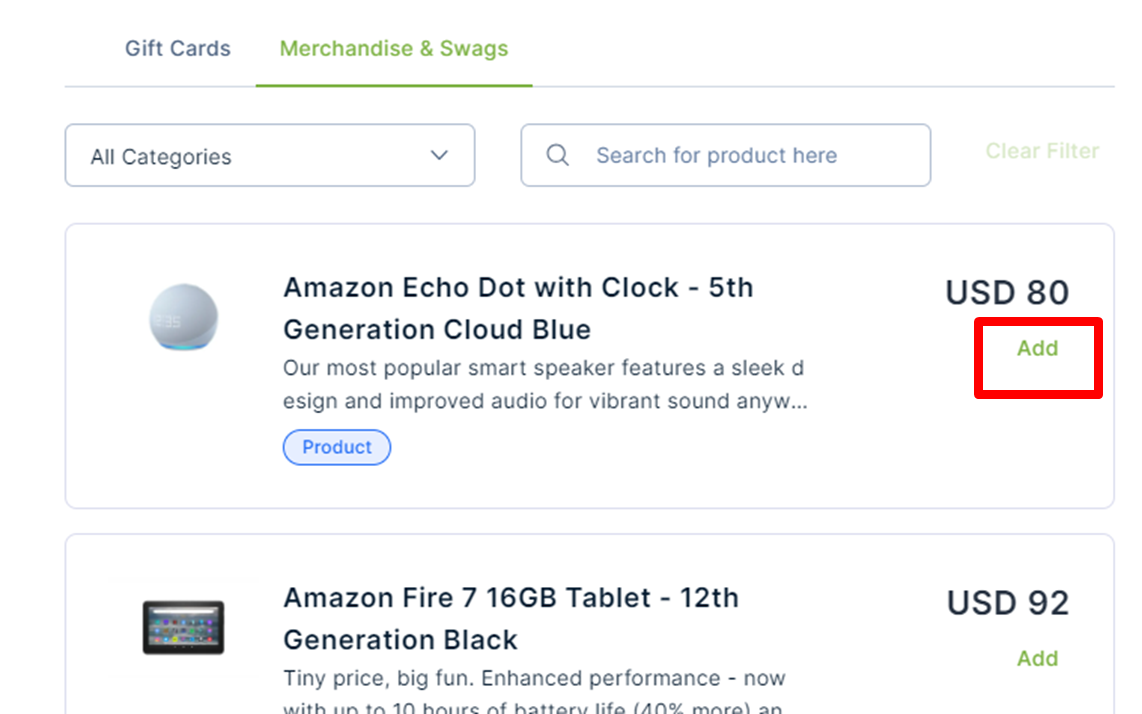
- Select the country of your choice by clicking on the country name.
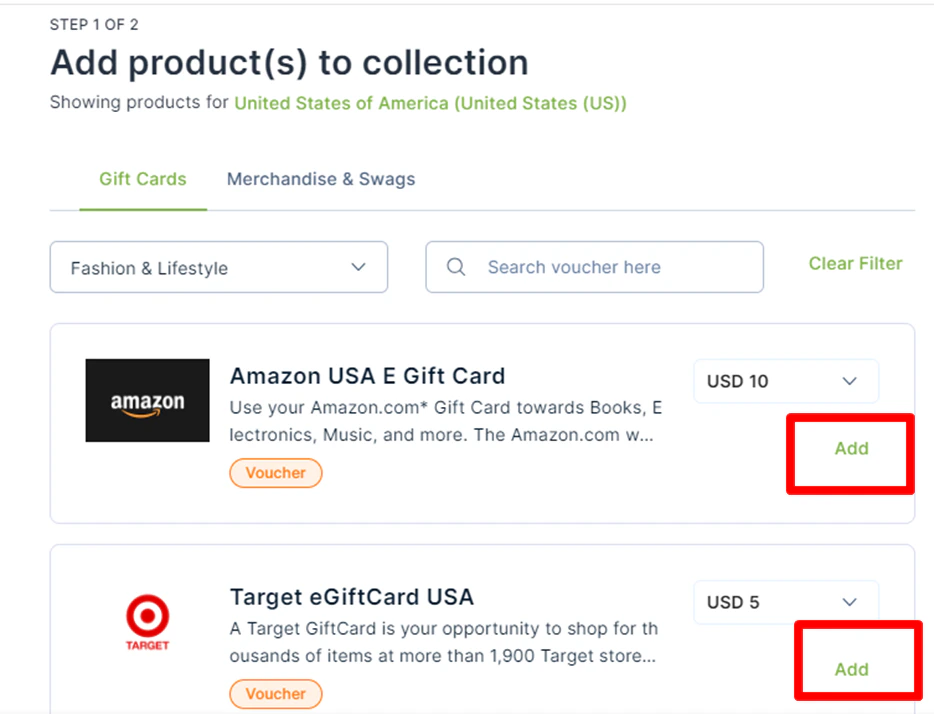
- Choose Gift Cards, Merchandise, or a mix of both. Filter options across 20+ categories including Food, Fashion, Lifestyle, Travel, Baby Care, and more.
- Click Add next to each product you want to include in the collection.
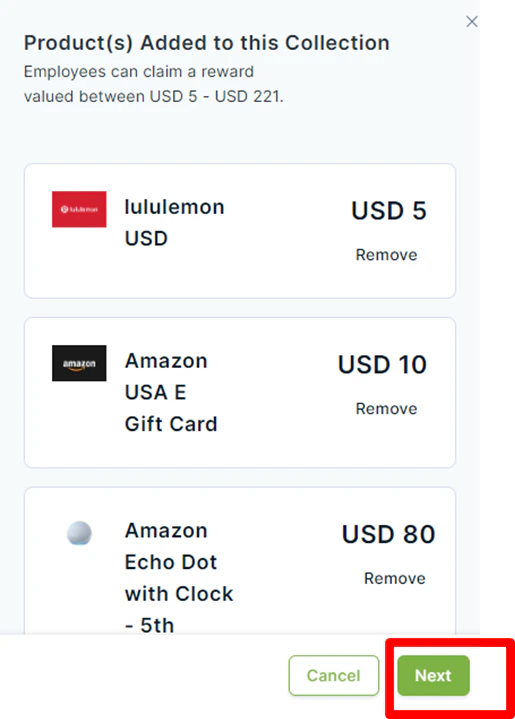
Add collection details
Fill in the Name, Purpose, and Maximum spend. Click Save to reuse this collection for future events.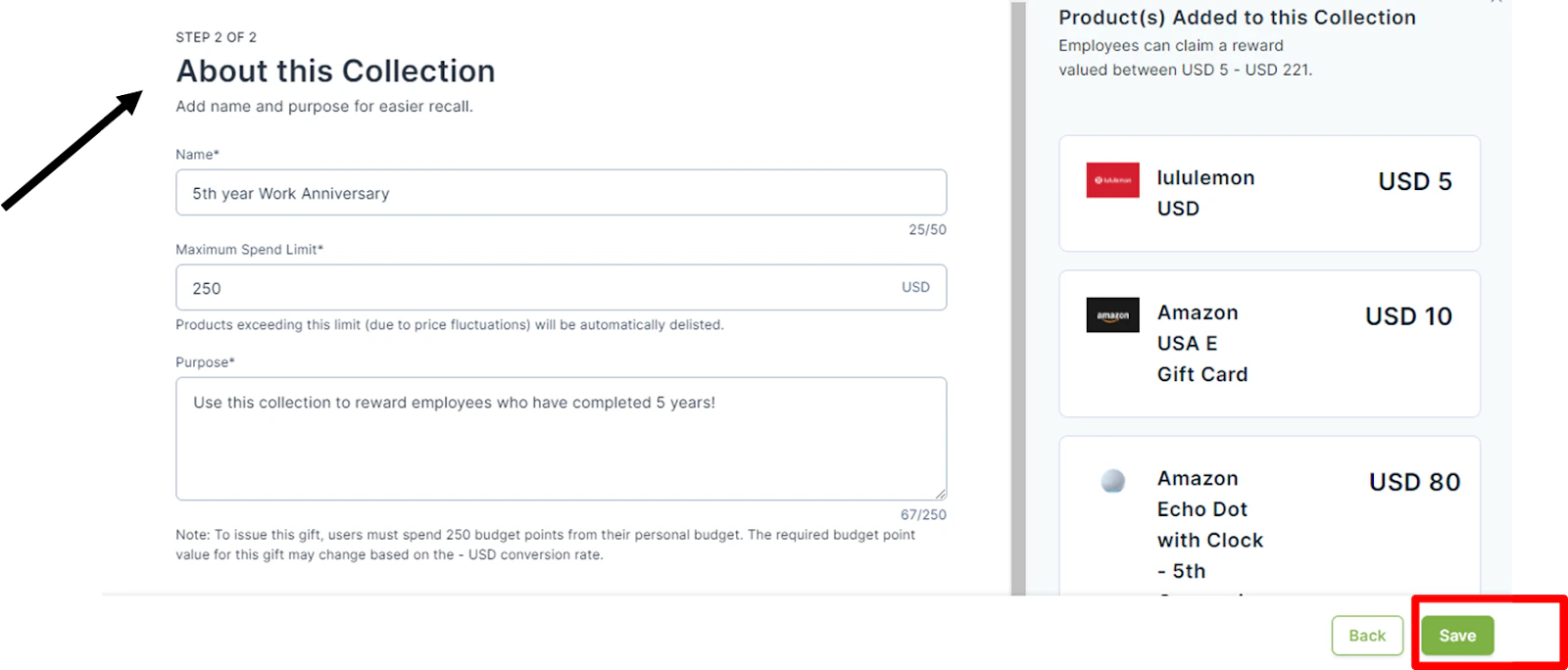

Common use cases
Building culture with company swag
Using a product-based collection for company swag builds brand identity and a sense of belonging.- Why it matters: New hires and remote employees feel more connected when they receive branded physical items like hoodies, mugs, or welcome kits.
- The solution: Create a dedicated Swag Collection so employees receive tangible items that represent your company culture — turning a standard onboarding gift into a moment of pride and inclusion.
Elevating Long Service Awards (LSA)
For major milestones, the reward needs to feel exclusive and personal.- Why it matters: Long-tenured employees deserve a reward that stands out from everyday recognition.
- The solution: Create a premium product-based collection (high-end electronics, travel, or lifestyle goods) so the reward matches the significance of the achievement.
FAQs
What is a product-based gift in Empuls?
What is a product-based gift in Empuls?
A product-based gift includes merchandise and/or gift cards curated into a collection, allowing recipients to choose from a variety of items instead of receiving points.
Can I include both merchandise and gift cards in a single collection?
Can I include both merchandise and gift cards in a single collection?
Yes. You can create mixed collections with both to offer variety and flexibility to employees.
Can I customise collections based on country or region?
Can I customise collections based on country or region?
Yes. Empuls lets you filter and create collections by country, ensuring product availability and relevance based on geography.
How do I reuse a gift collection for another event?
How do I reuse a gift collection for another event?
Once saved, collections can be reused for future events. Simply select the existing collection when creating a new gifting event.
Can I automate gift sending for birthdays or anniversaries?
Can I automate gift sending for birthdays or anniversaries?
Yes. Use the Automated Greetings section to schedule and automate gift distribution for birthdays, anniversaries, and other milestones.