
About Assured Gain
Assured Gain provides investment and financial growth solutions focused on reliable returns and secure wealth-building opportunities for individuals.Why Connect Assured Gain with Xoxoday Empuls
Add a trusted advisory partner to your benefits stack so employees can make smarter investment decisions, manage finances effectively, and plan their future with structured financial guidance.Key Benefits
For HR- Financial wellbeing: Professional guidance that supports long-term employee stability.
- **Minimal administrative effort: **Partner-led onboarding and communication.
- Engagement boost: Practical value employees can use beyond the workplace.
- Expert advice: Smart investment strategies tailored to goals.
- Holistic planning: Structured financial plans for short and long term.
- Confidence & clarity: Transparent, growth-oriented approach.
How Employees Can Use Assured Gain
Get expert guidance to grow wealth through smart investments, manage finances effectively, and secure the future with well-structured financial planning.Co-Sponsor & Deliver at Scale
Employers can offer Assured Gain to teams as a turnkey financial wellbeing benefit—driving responsible investing and long-term planning without adding admin burden. Follow the steps below to bring Assured Gain to your organization.Step-by-Step Setup for Admins
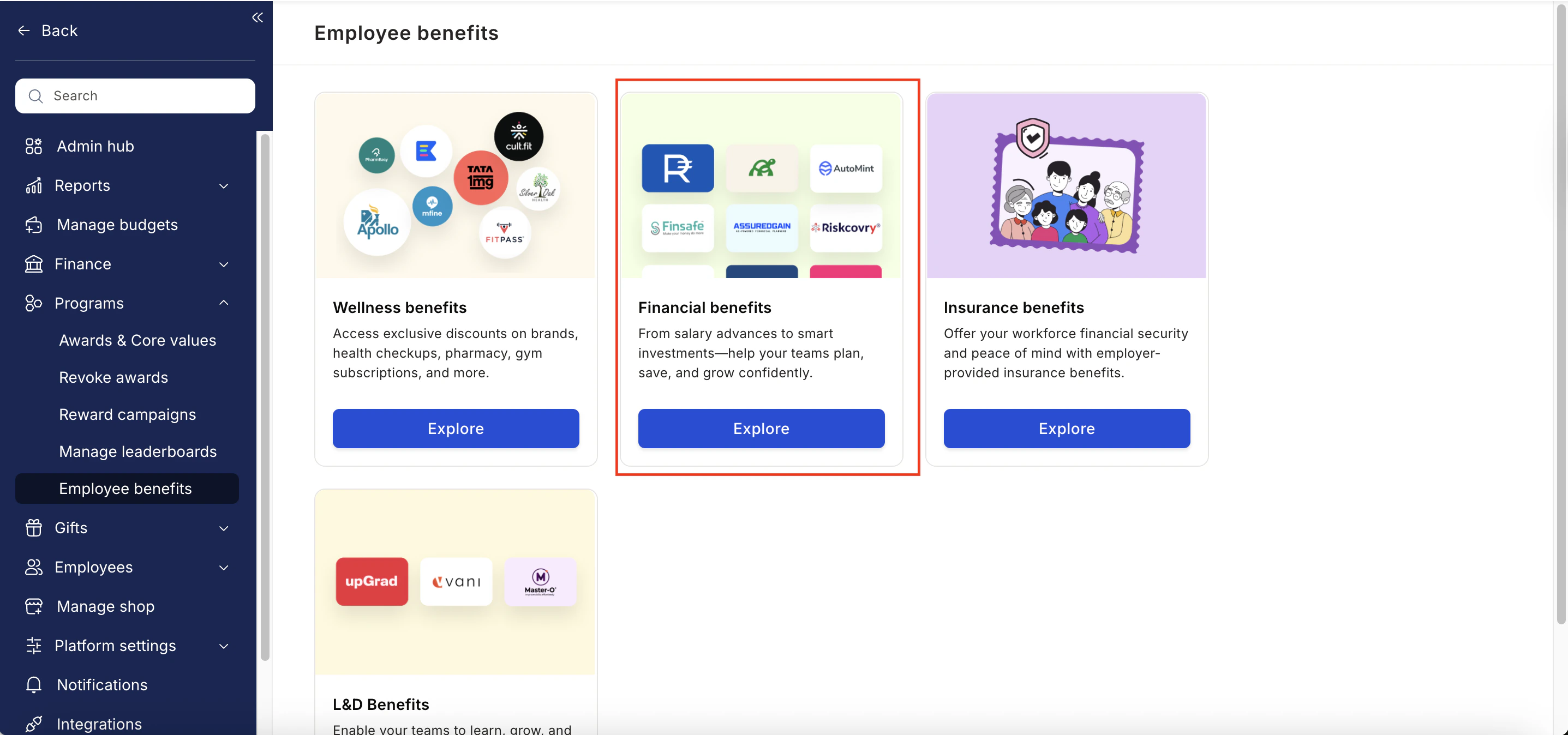
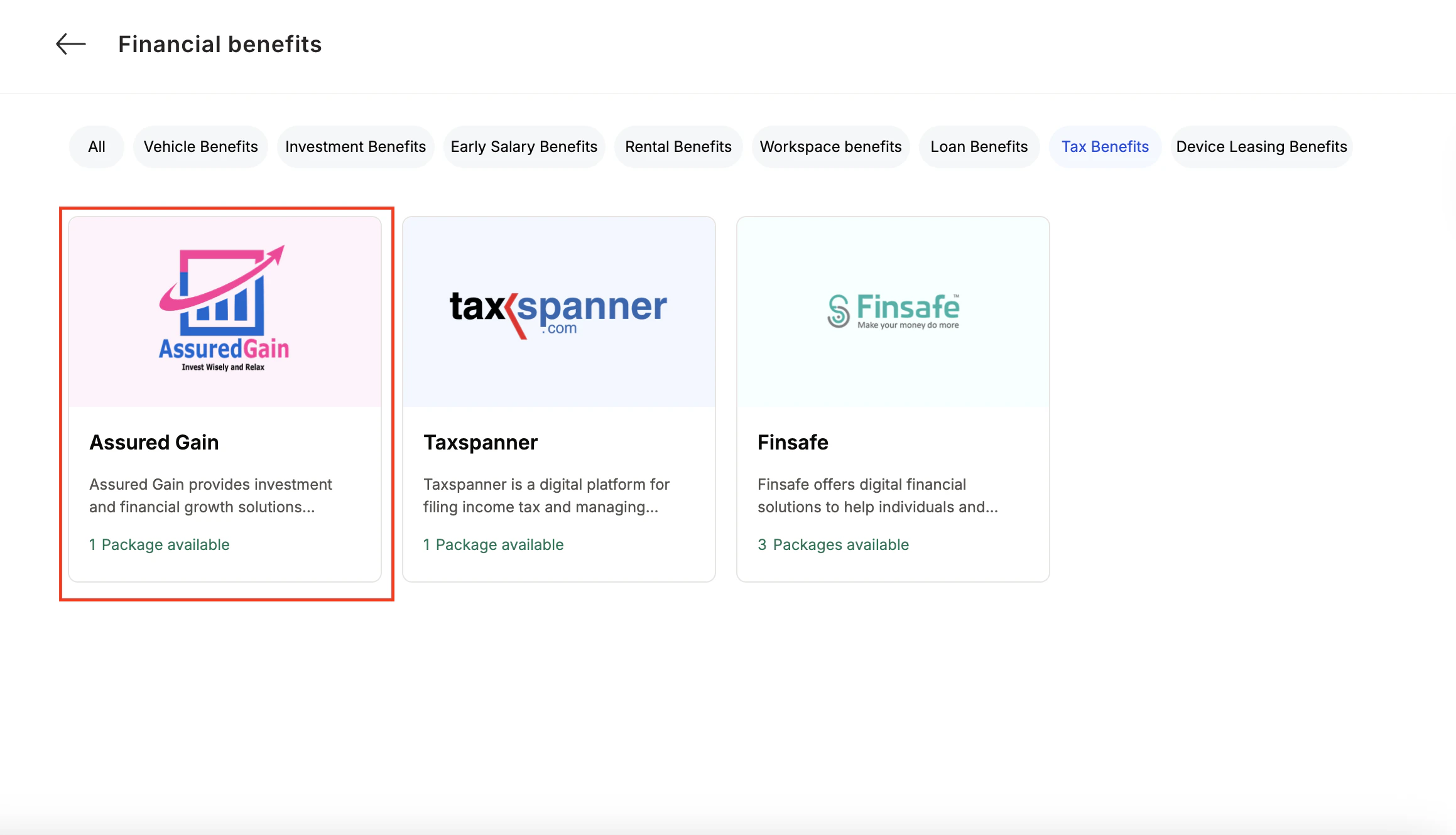
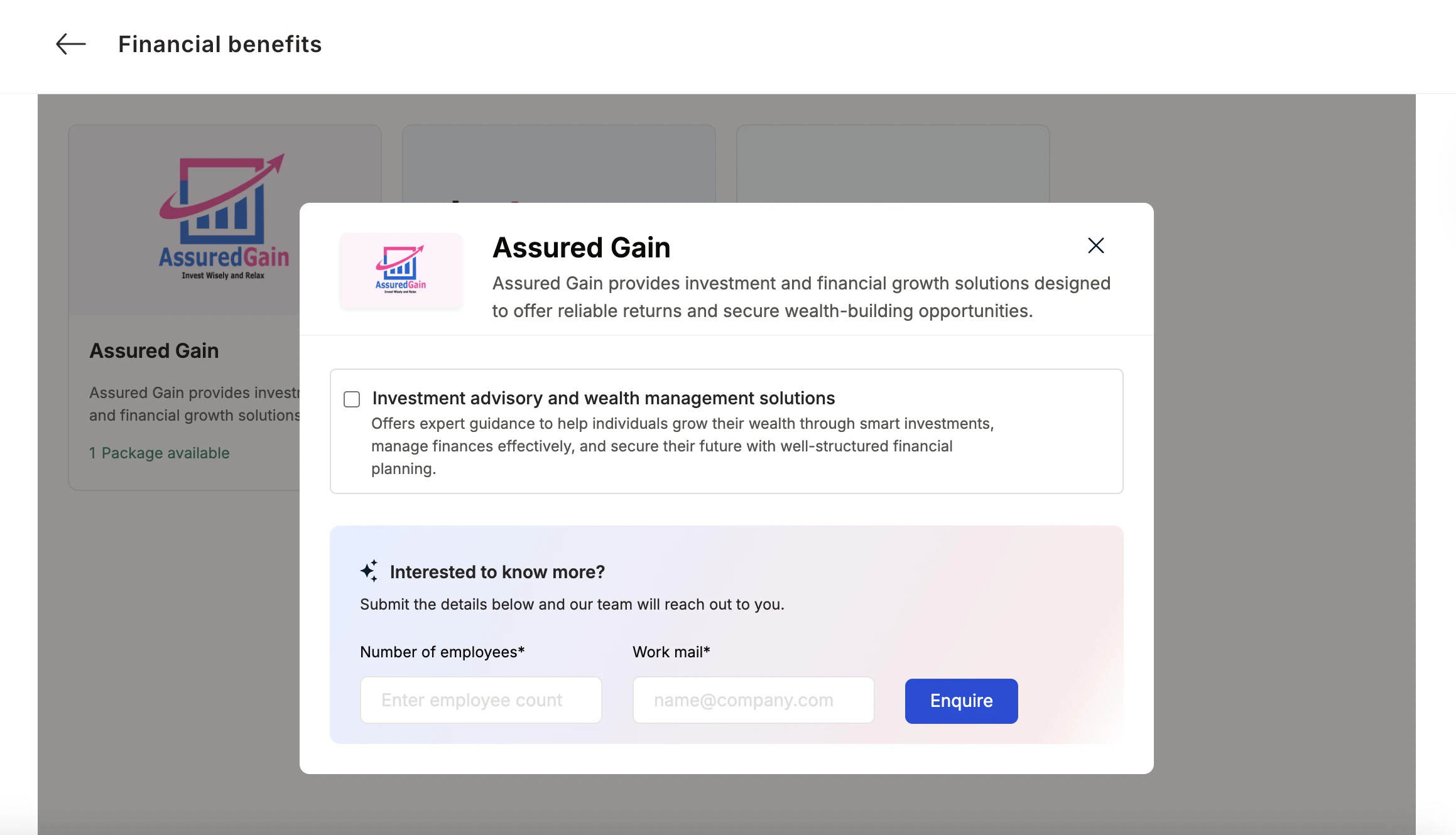
How Employees Can Access Assured Gain
Pick the counselling or well-being service you need
Pick the counselling or well-being service you need.