About Finfinity

Finfinity is a technology-driven fintech platform that empowers individuals and businesses across India by providing access to tailored lending solutions and eligibility-based offers through its in-house algorithms and rule engines.

Why Connect Finfinity with Xoxoday Empuls

Adding Finfinity to Xoxoday Empuls enhances employee financial wellbeing by giving them quick access to online personal and business loans—simple to manage and seamless to implement.

Key Benefits

For HR
  • Financial wellbeing: Empower employees with easy access to responsible lending solutions.
  • Low admin efforts: Simple partner-led setup and communication.
  • Employee support: Helps teams meet financial goals without added complexity.
For Employees
  • Fast access: Quick online approval and processing.
  • Flexible options: Personal and business loans tailored for professionals and SMEs.
  • Competitive terms: Benefit from fair and transparent lending rates.
How Employees Can Use Finfinity

Apply for fast, online personal or business loans with competitive terms for professionals and SMEs—all through a secure digital platform.

Co-Sponsor & Deliver Finfinity at Scale

Employers can make Finfinity loans accessible across teams to promote financial wellness and support short-term financial needs responsibly. Follow the steps below to bring Finfinity to your organization.
1

Log in to Empuls

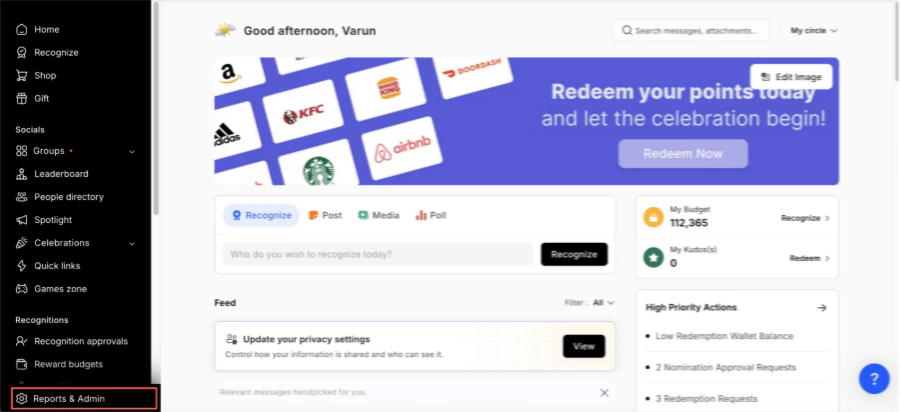
  • Click on Reports & Admin to land onAdmin Dashboard.
Finfinity 1
2

Go to Program Settings

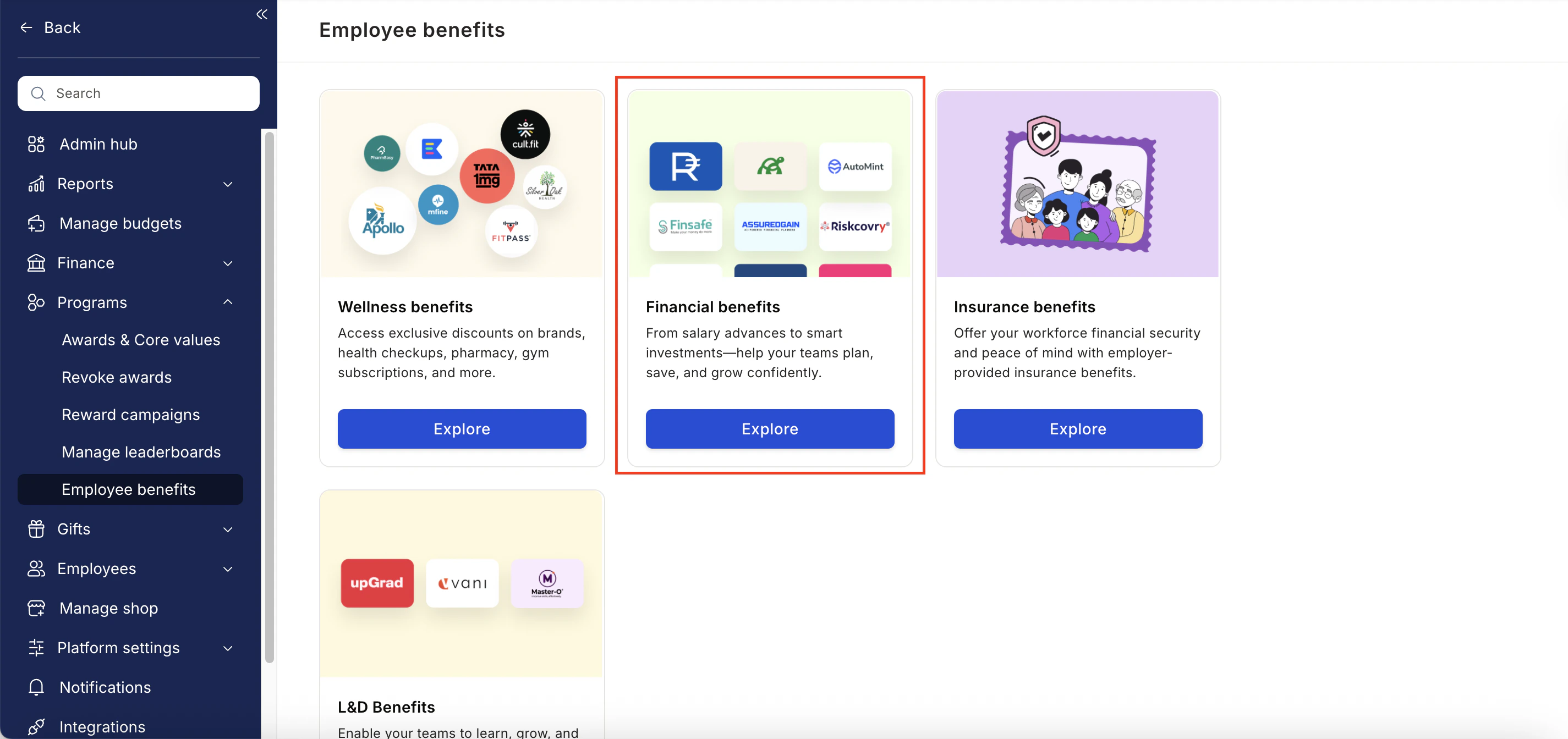
  • Navigate to Program >> Manage Benefits >> Financial Benefits
Finfinity 2
3

Select

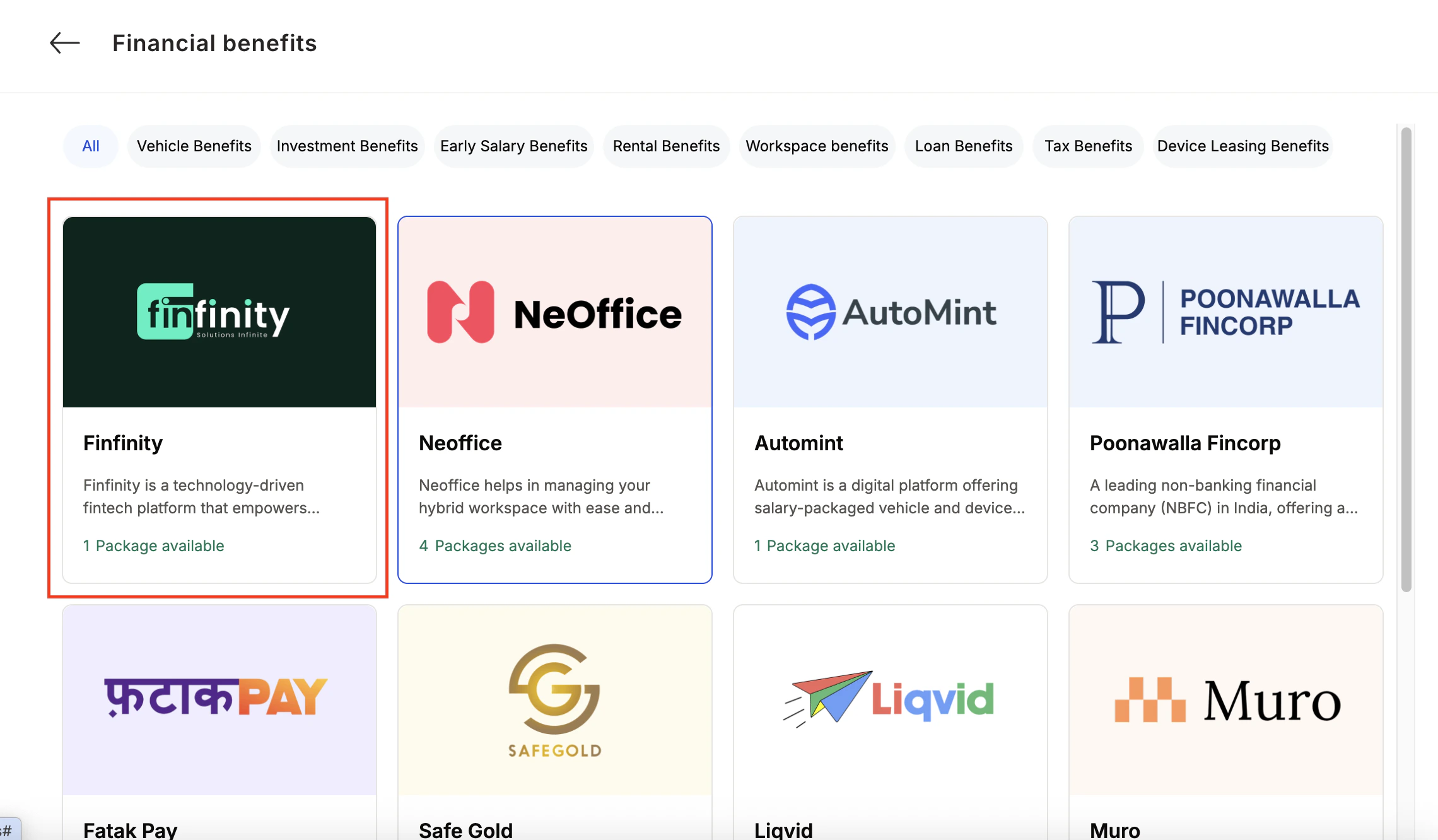
  • From the list of wellness partners, choose Finfinity
Finfinity 3
4

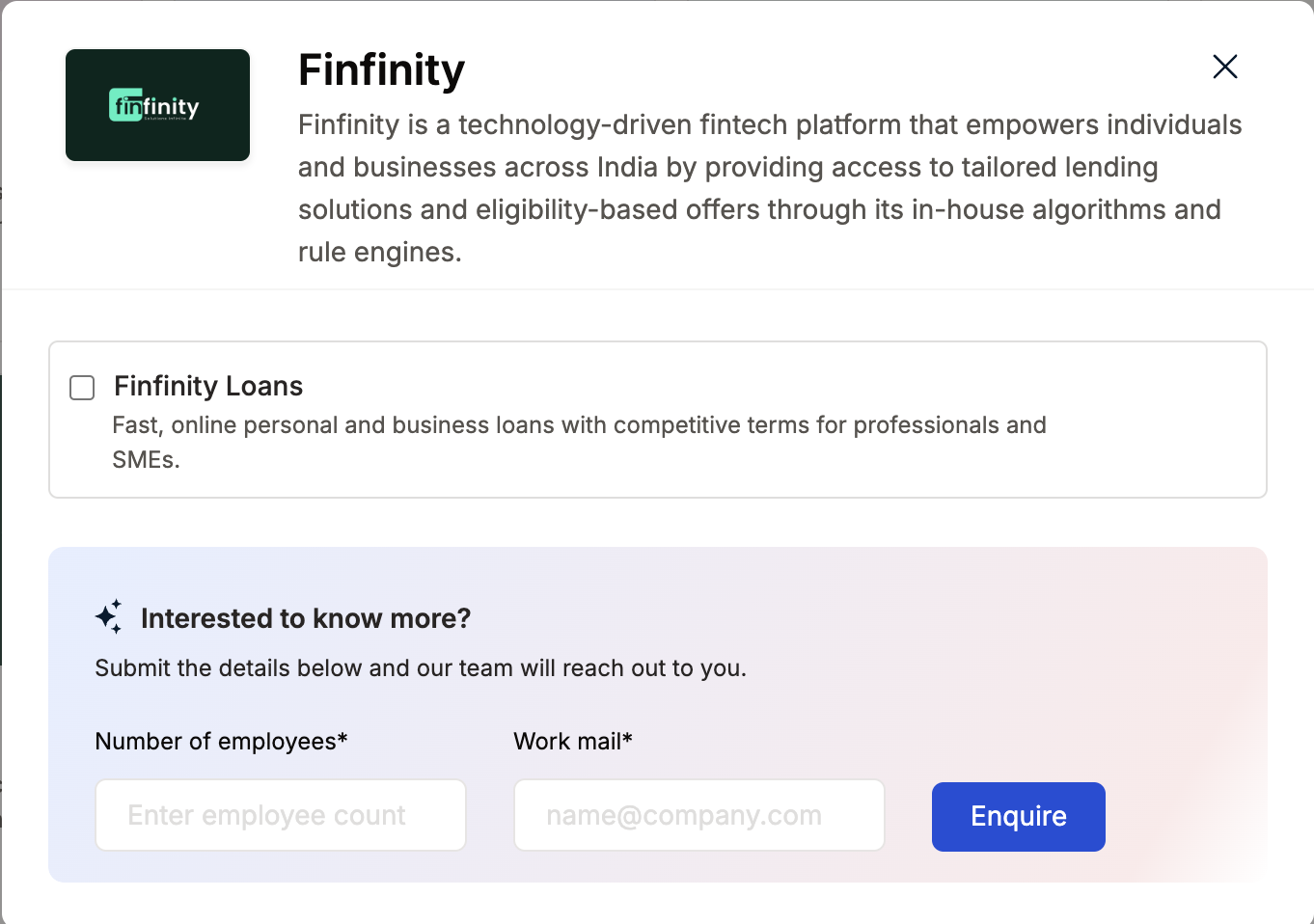
View available packages

5

Fill in the employee details

  • Enter:
    • Number of employees
    • Work email addresses
    • Phone numbers
6

Send an enquiry

  • Click Enquire.
  • Our team will respond with details and pricing.
Finfinity 4
7

Confirm the requirement

  • Our team will connect with you, confirm pricing and requirements, and activate the benefit for all employees.

How Employees Can Access Finfinity

1

Log in to Empuls with your credentials

Log in to Empuls with your credentials.
2

Navigate to Benefits > Financial Benefits

Navigate to Benefits > Financial Benefits
3

Select Finfinity from the available options

Select **Finfinity **from the available options.
4

Pick the service you need

Pick the service you need.
5

Book your benefit by clicking on Pay

Book your benefit by clicking on Pay.

Support

For setup or usage assistance, contact us at cs@xoxoday.com.