About Liqvid (50Fin)

Liqvid (50Fin) provides quick and flexible loans against mutual funds, enabling customers to unlock liquidity without redeeming their investments. The platform offers a seamless, fully digital process that helps individuals access funds instantly while their wealth continues to grow.

Why Connect Liqvid with Empuls

Adding Liqvid to Empuls supports employee financial wellbeing by providing access to liquidity without redeeming their investments—simple to communicate, easy for employees to use and adds meaningful value to your rewards and benefits portfolio.

Key Benefits

  • For HR
    • Financial wellbeing perk: Provide a secure, non-redemption liquidity option.
    • Low admin lift: Simple partner-led process and communication.
    • Employee-first: Helps teams handle short-term needs without disturbing portfolios.
  • For Employees
    • Keep investments intact: Borrow without selling mutual funds.
    • Fast & flexible: Quick processing with flexible loan options.
    • Focused on liquidity: Access funds when needed, then continue investing.
How Employees Can Use Liqvid

Loan Against Mutual Funds/Shares Apply for a loan against mutual funds/shares to unlock liquidity without selling holdings.

Co-Sponsor & Deliver Liqvid at Scale

Employers can roll out Liqvid access across teams to enable responsible, portfolio-friendly borrowing for short-term needs. Follow the steps below to bring Liqvid to your organization.
1

Log in to Empuls

  • Click on Reports & Admin to land onAdmin Dashboard.
2

Go to Program Settings

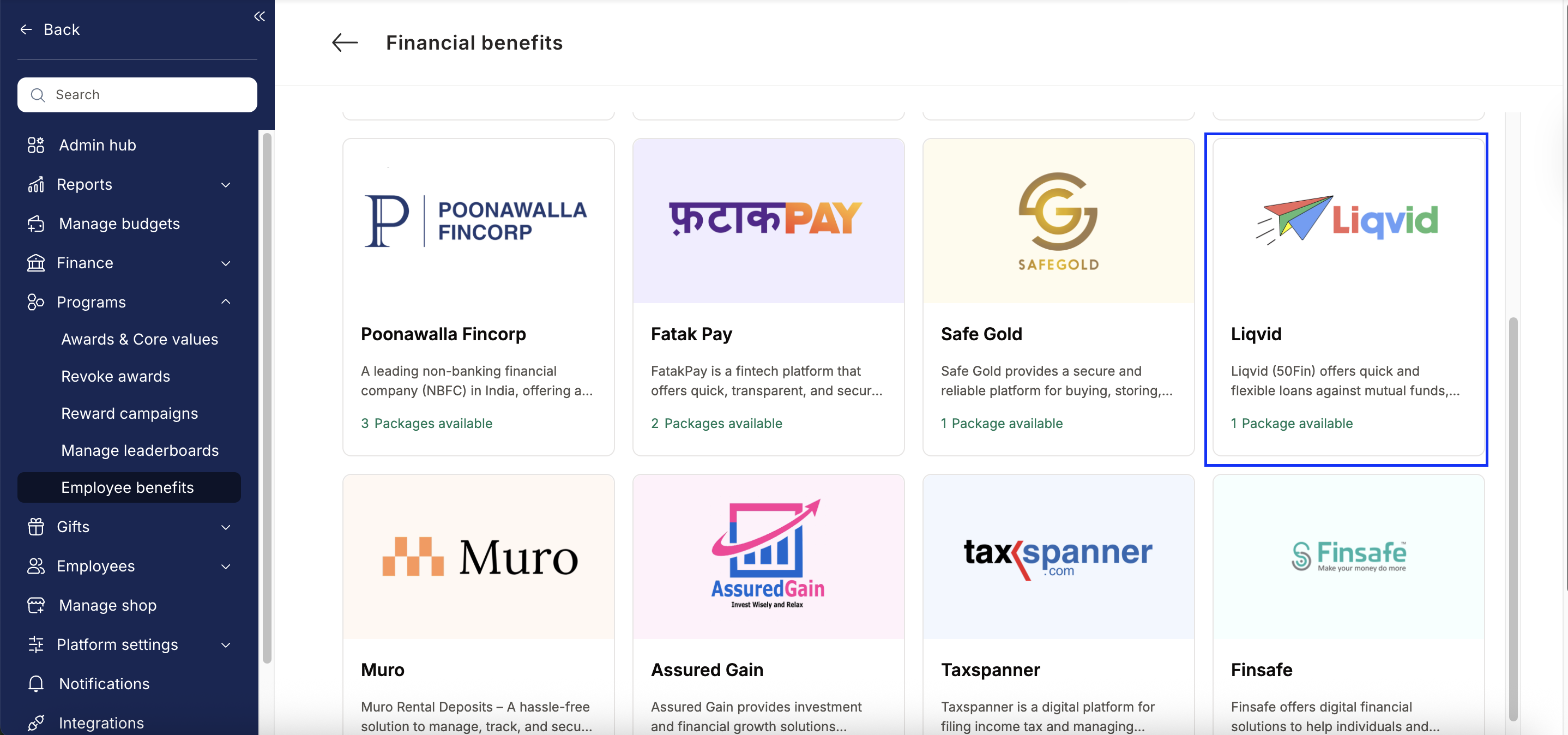
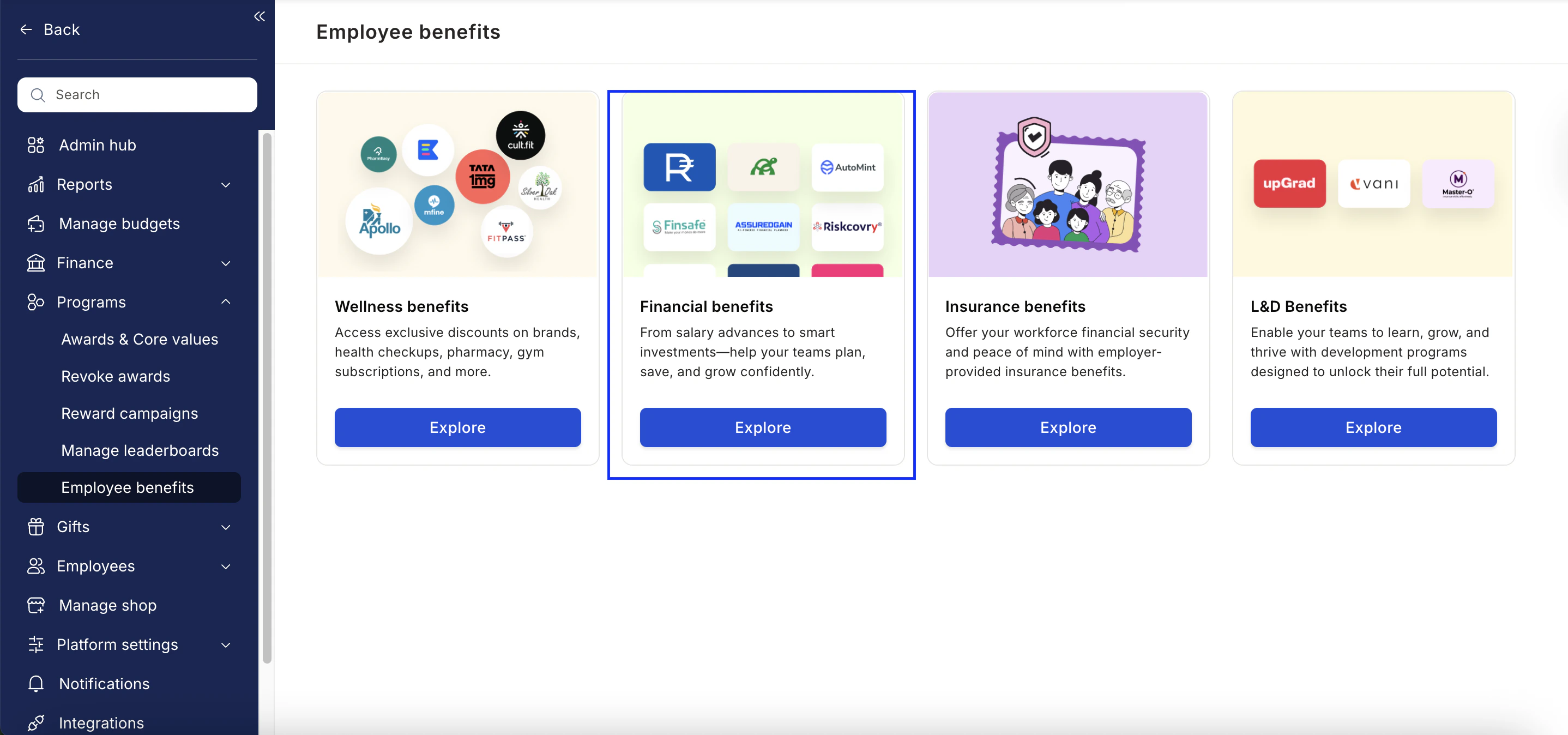
  • Navigate to Program >> Manage Benefits >> Financial Benefits
Liqvid 50Fin 1
3

Select Liqvid

  • From the list of Financial partners, choose Liqvid.
Liqvid 50Fin 2
4

View available packages

5

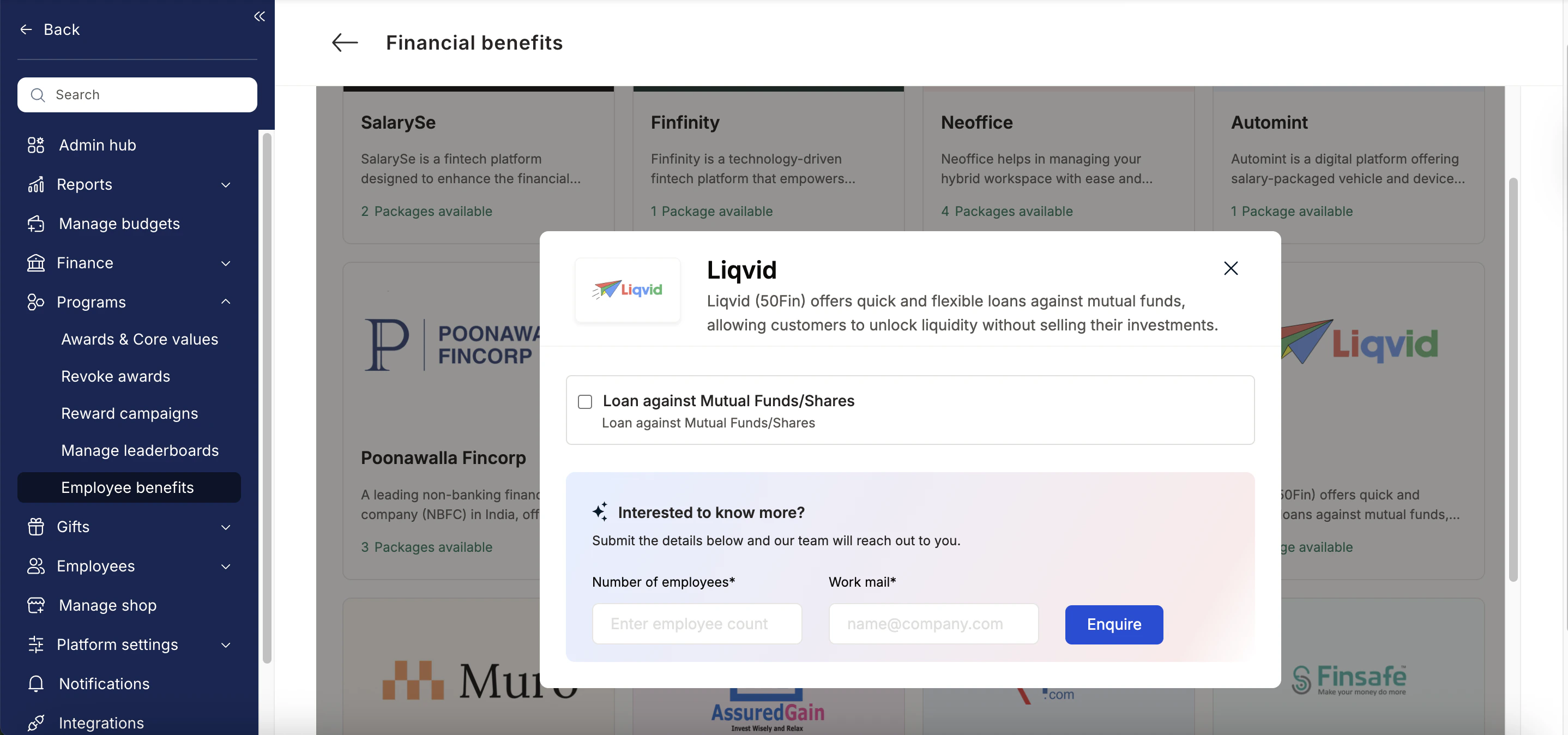
Fill in the employee details

  • Enter:
    • Number of employees
    • Work email addresses
    • Phone numbers
6

Send an enquiry

  • Click Enquire.
  • Our team will respond with details and pricing.
Liqvid 50Fin 3
7

Confirm the requirement

  • Our team will connect with you, confirm pricing and requirements, and activate the benefit for all employees.

How Employees Can Access Liqvid

1

Log in to Empuls with your credentials

Log in to Empuls with your credentials.
2

Navigate to Benefits >> Financial Benefits

Navigate to Benefits >> Financial Benefits
3

Select Liqvid from the available options

Select** Liqvid **from the available options.
4

Pick the service you need

Pick the service you need
5

Book your benefit by clicking on Pay

Book your benefit by clicking on Pay.

Support

For setup or usage assistance, contact us at cs@xoxoday.com.