Why this integration?
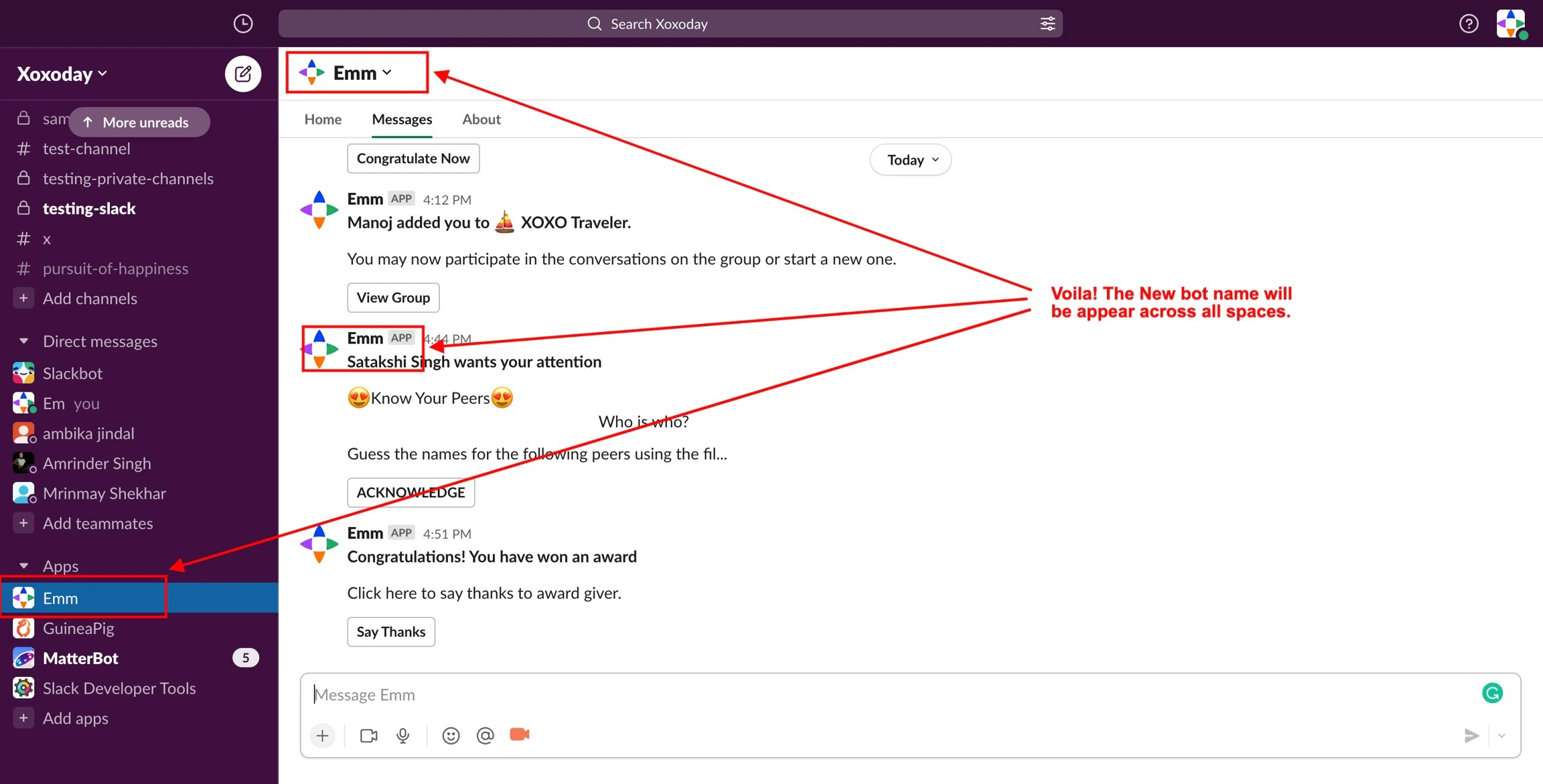
Organisations invest in several tools to drive multiple people engagement initiatives, thereby increasing the complexity of their HR tech ecosystem. Empuls is natively integrated with Slack, allowing you to enhance the collaboration experience and promote multi-dimensional employee engagement on a single platform. Empuls helps cultivate a people-focused workplace culture by providing timely and frequent recognition, rewards, and feedback, all within Slack. Click here for details about the Empuls app on the Slack app directory.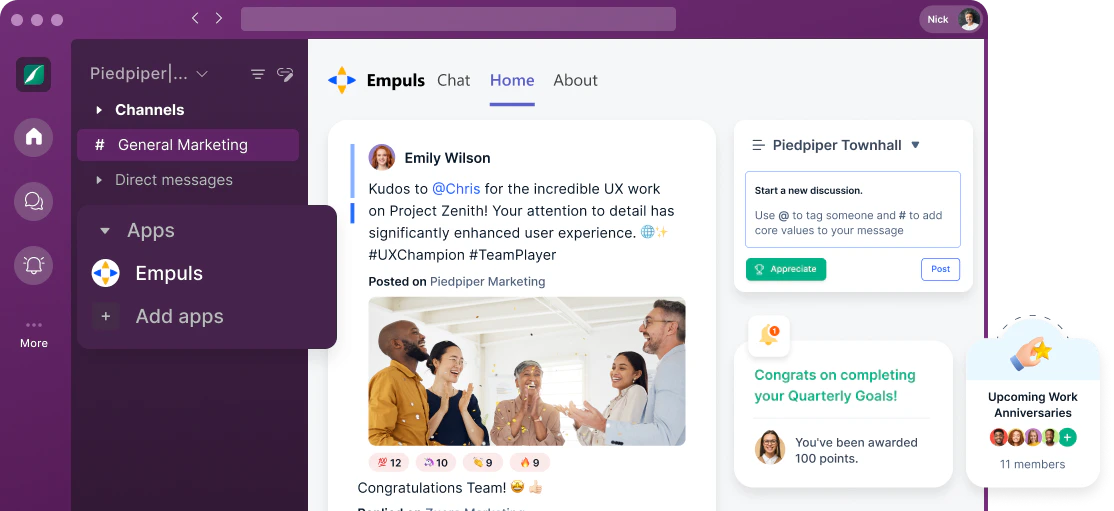
With this integration, you can:
1. Create opportunities for feedback Measure employee sentiment and seekfeedback using engagement and lifecycle surveys and then take action to resolve employee concerns using data-backed recommendations. 2. Recognise and celebrate achievements. Empower employees to appreciate each other’s contributions and celebrate small and big wins together. 3. Reward good performance Applaud and motivate employees when they meet and exceed company goals by delighting them with extensive reward choices from a global catalogue.How to set up this integration?
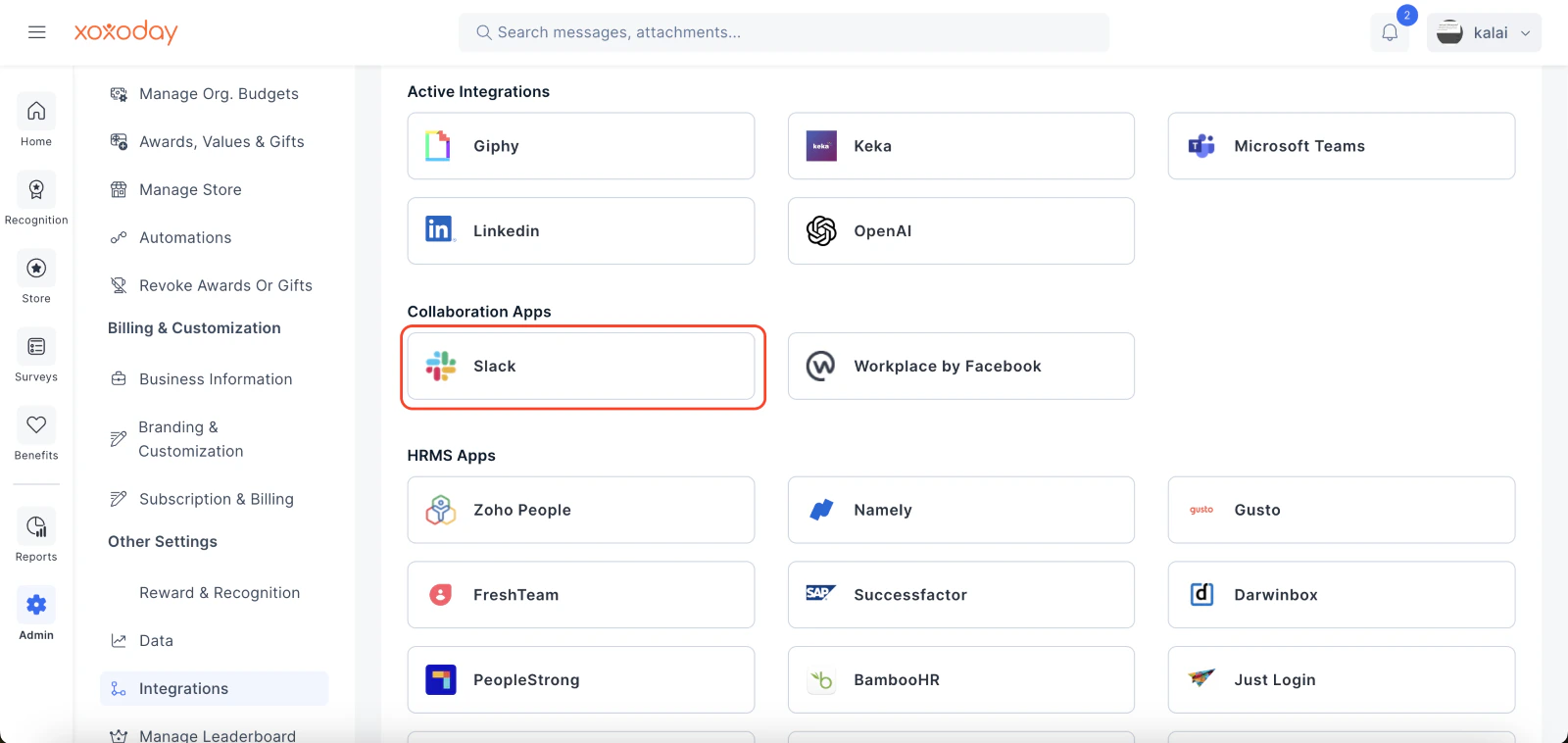
The Super Admin can set up the Slack and Empuls integration in less than a minute.Go to Admin Dashboard by clicking on Reports
Go to Admin Dashboard by clicking on “Reports and Settings”.
Click on Manage Slack App button to start
Click on Manage Slack App button to start the integration process.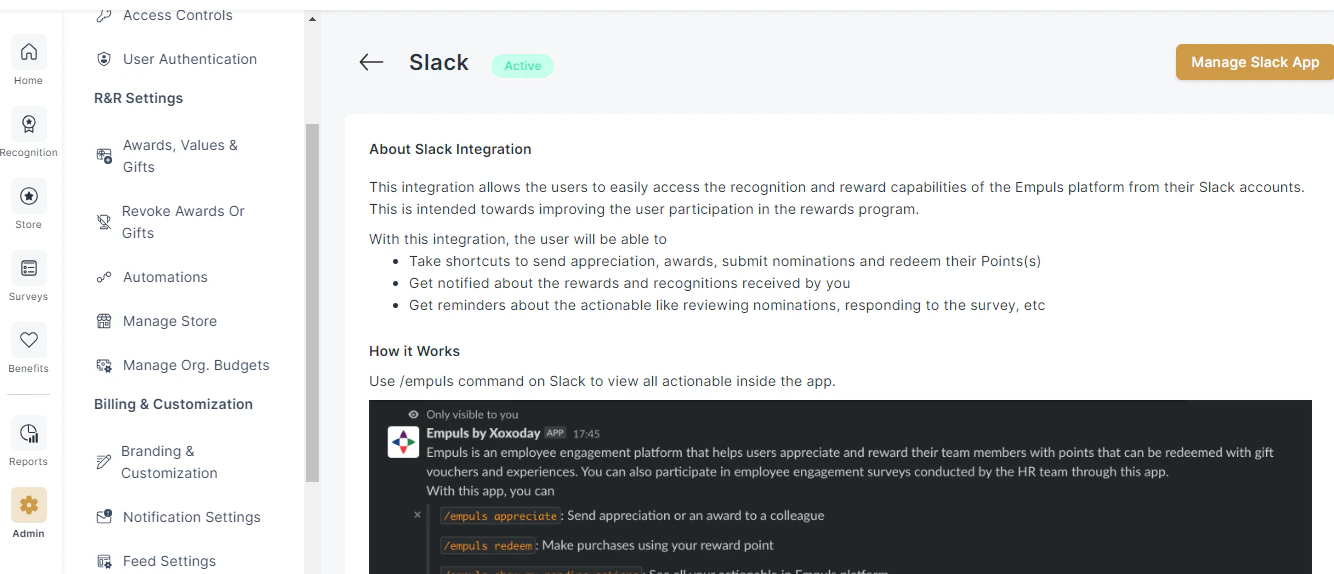
Click on PROCEED in the pop-up box so
Click on PROCEED in the pop-up box so you are redirected to Slack for completing the setup.
Allow the required permissions in your Slack account
Allow the required permissions in your Slack account.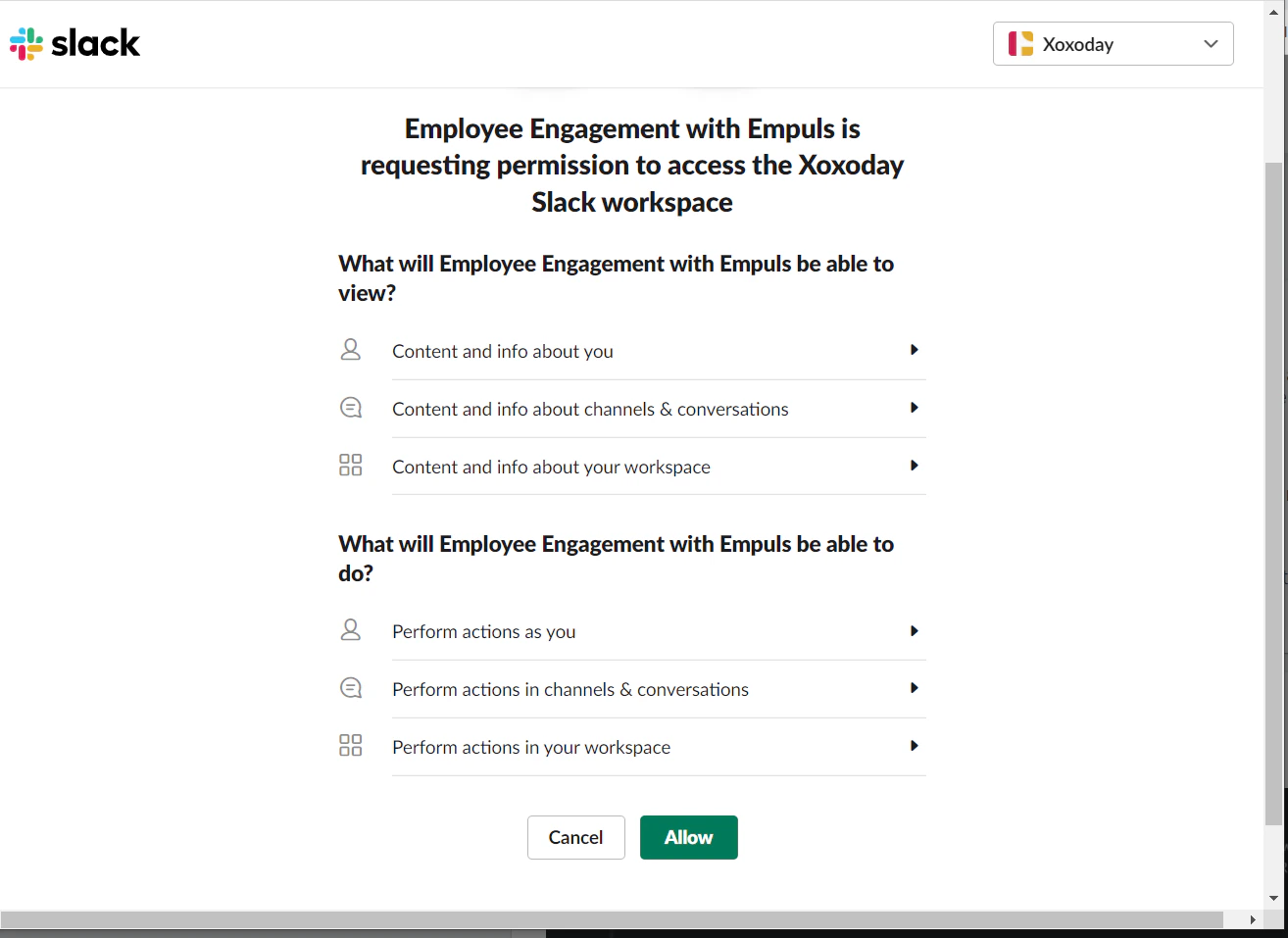
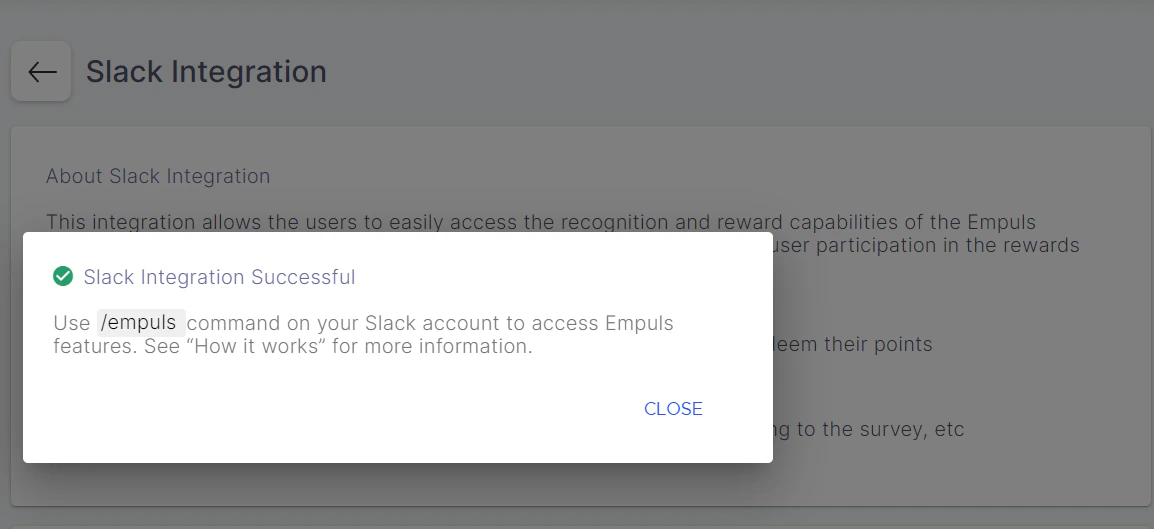
How To Remove This Integration?
Disable this integration by following steps 1
Disable this integration by following steps 1 to 4 above and clicking the DISABLE ON SLACK button.
It will ask whether you really want
It will ask whether you really want to remove the integration. Click on PROCEED in the pop-up box.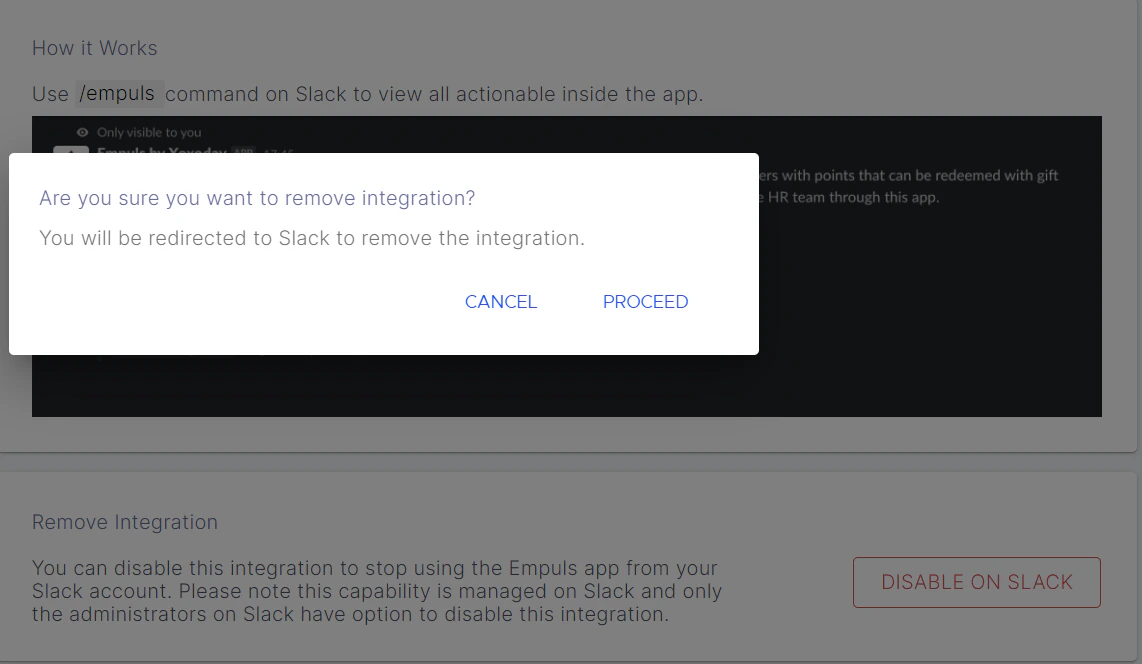
You will be redirected to Slack to remove
You will be redirected to Slack to remove the integration. Click on Open In Slack.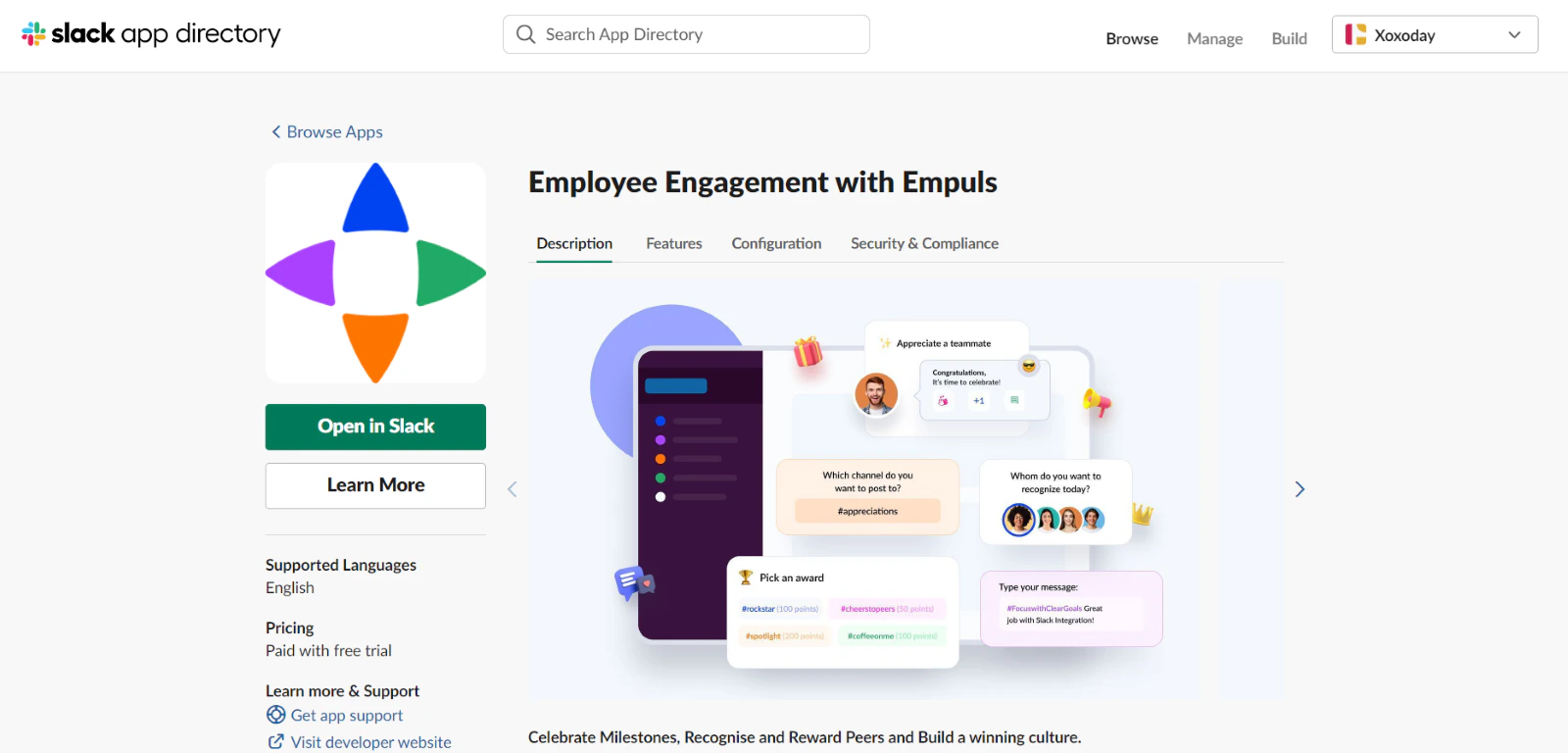
FAQs
Will all awards and appreciation sent on Empuls be visible on Slack?
Will all awards and appreciation sent on Empuls be visible on Slack?
Yes. Awards and appreciations are reflected across both platforms — recognitions initiated on Empuls will be visible on Slack, and awards sent through Slack will be reflected on the Empuls web and mobile apps.
Will employees receive birthday and work anniversary wishes on Slack?
Will employees receive birthday and work anniversary wishes on Slack?
If Empuls sets up automation for events like birthdays and work anniversaries, employees will receive greetings and wishes as direct messages in their Slack accounts without publishing them on any channel.
Are employees required to remember commands to use the Empuls app on Slack?
Are employees required to remember commands to use the Empuls app on Slack?
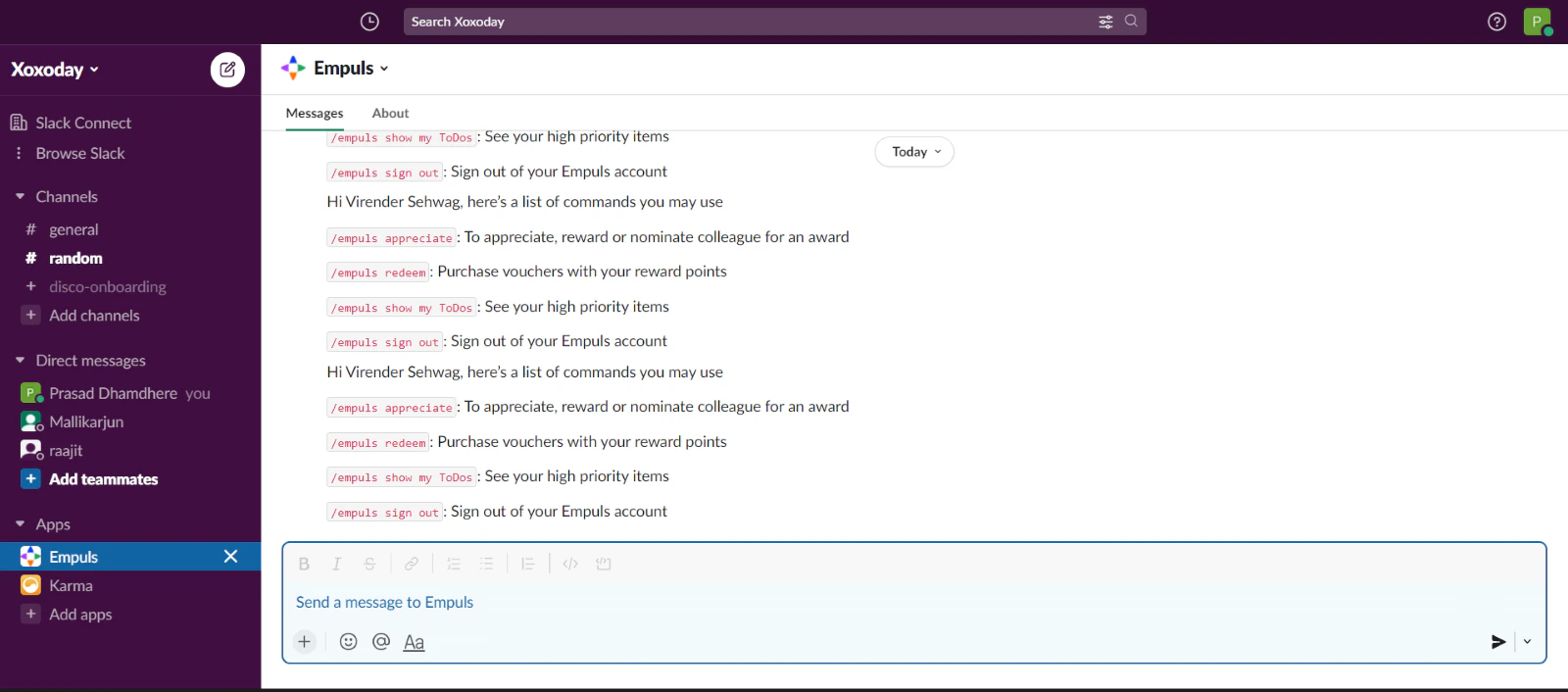
Employees do not need to memorise any commands. The Empuls bot on Slack offers an interactive experience so users do not have to remember the commands. Employees can send a “hi” to the Empuls bot or start a conversation using the 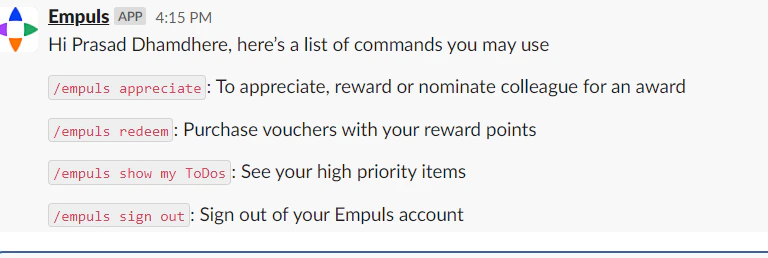
/empuls command.Is it possible to change the Empuls bot name to something else?
Is it possible to change the Empuls bot name to something else?
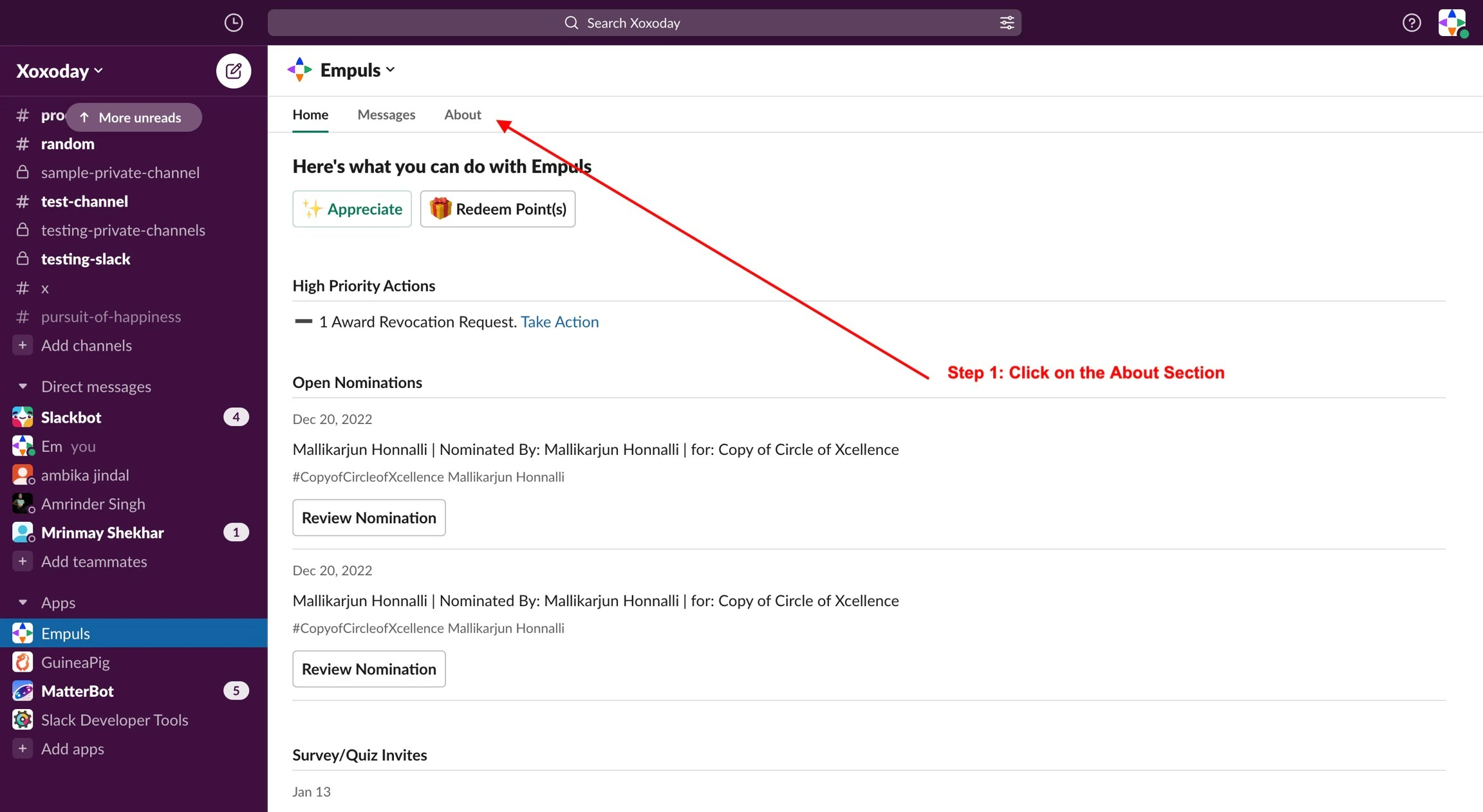
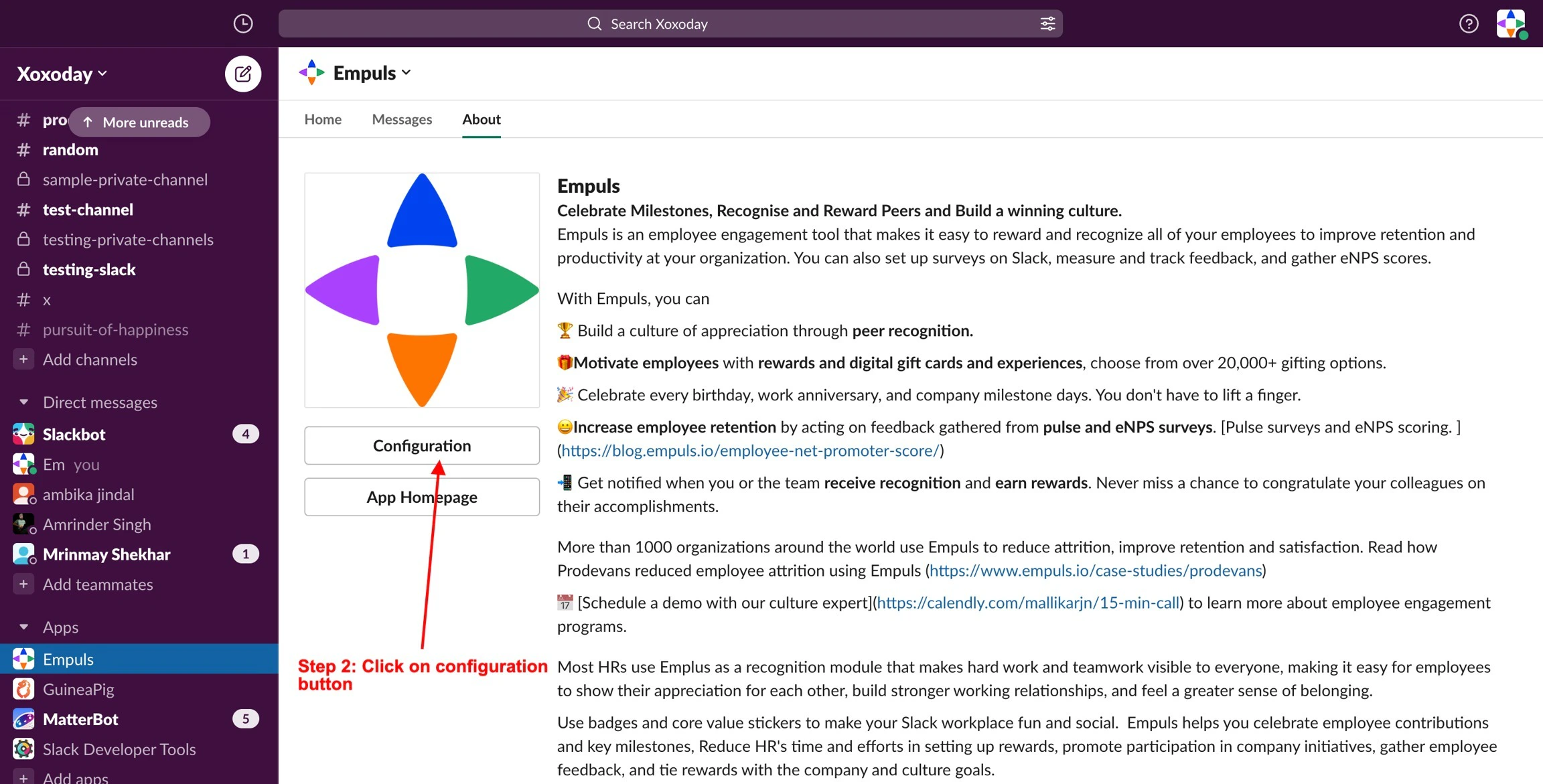
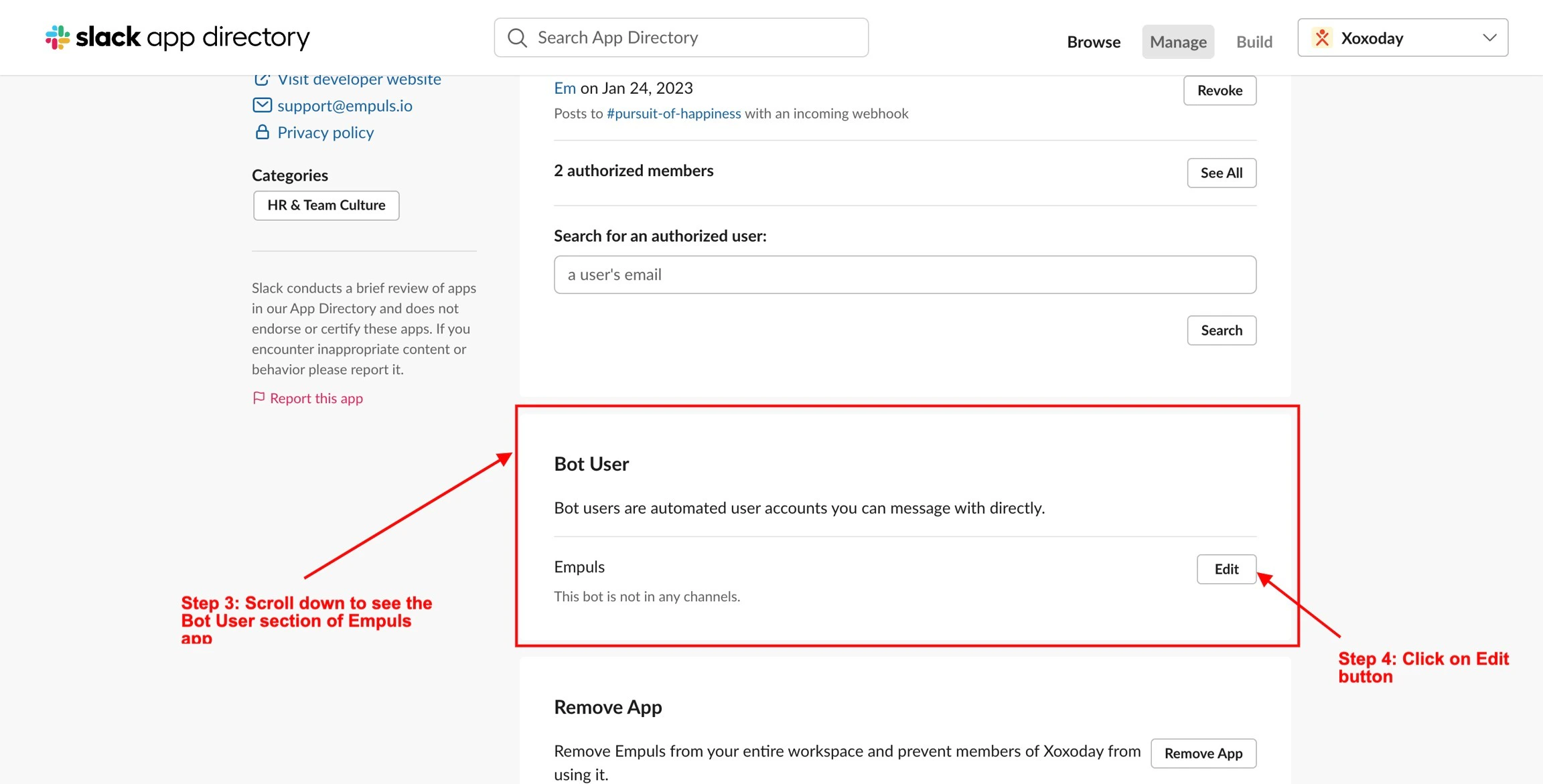
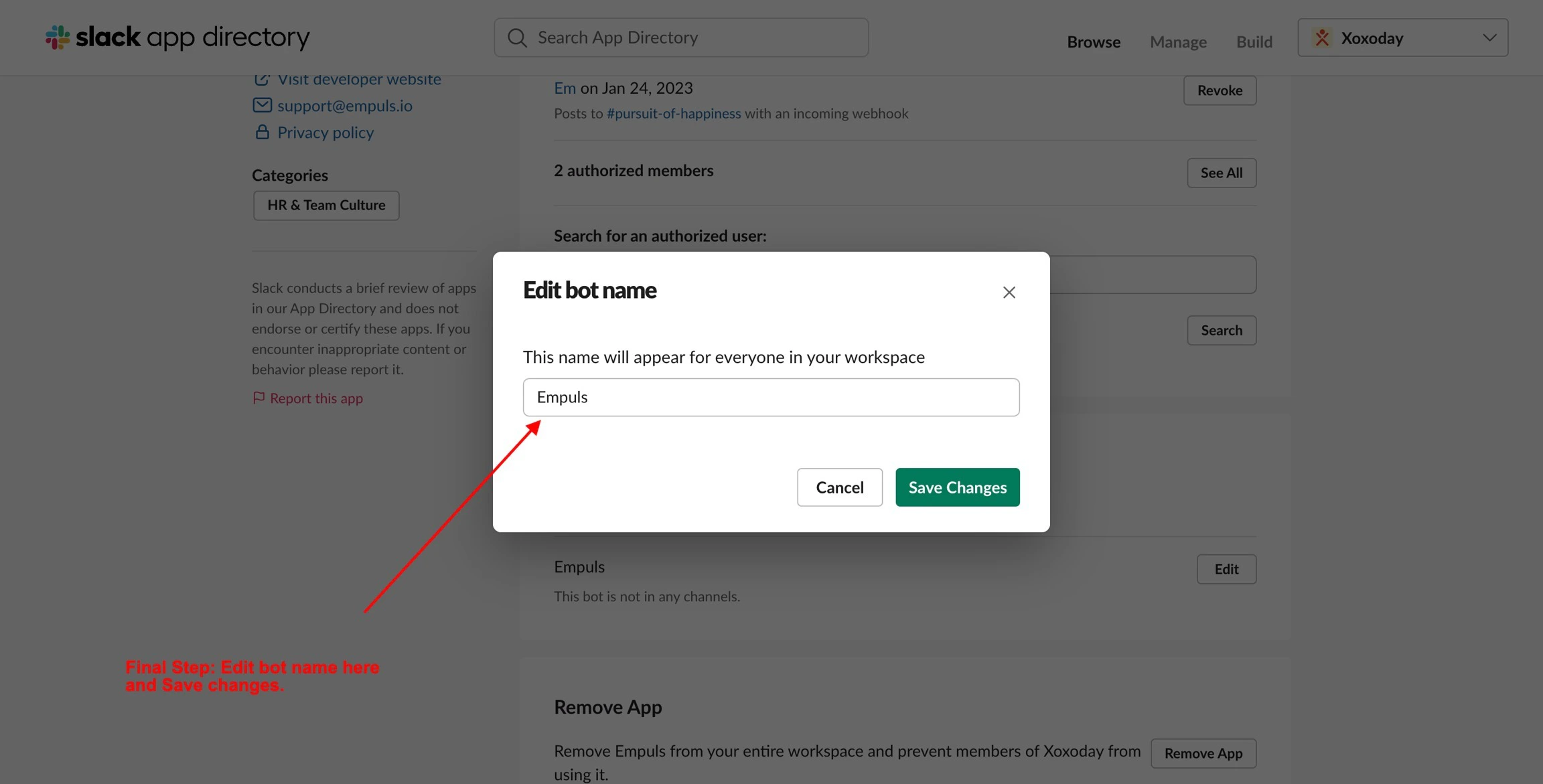
Yes, Slack allows users to change the name of the bot for their own instance. Follow the steps shown in the images below.