
About This Integration
This integration automates the user account management processes in Empuls, based on the employee data available in Adrenalin. With this integration you can:- Add new employees to Empuls automatically, as soon as their Adrenalin account is created.
- Edit existing employee data in Empuls, simply by updating their Adrenalin profile.
How to Set Up This Integration?
Please contact your Adrenalin account manager and request them to share the below client details, with respect to your Adrenalin account: Client Details Needed from Adrenalin: API Key **Access token URL being used: **https://app.Adrenalin.com/connect/token?grant_type=Adrenalinapi **API being used: **https://api.Adrenalin.com/v1/employeesGo to Admin Dashboard by clicking on Reports
Go to Admin Dashboard by clicking on “Reports and Settings”.**and **navigate to “Integrations.”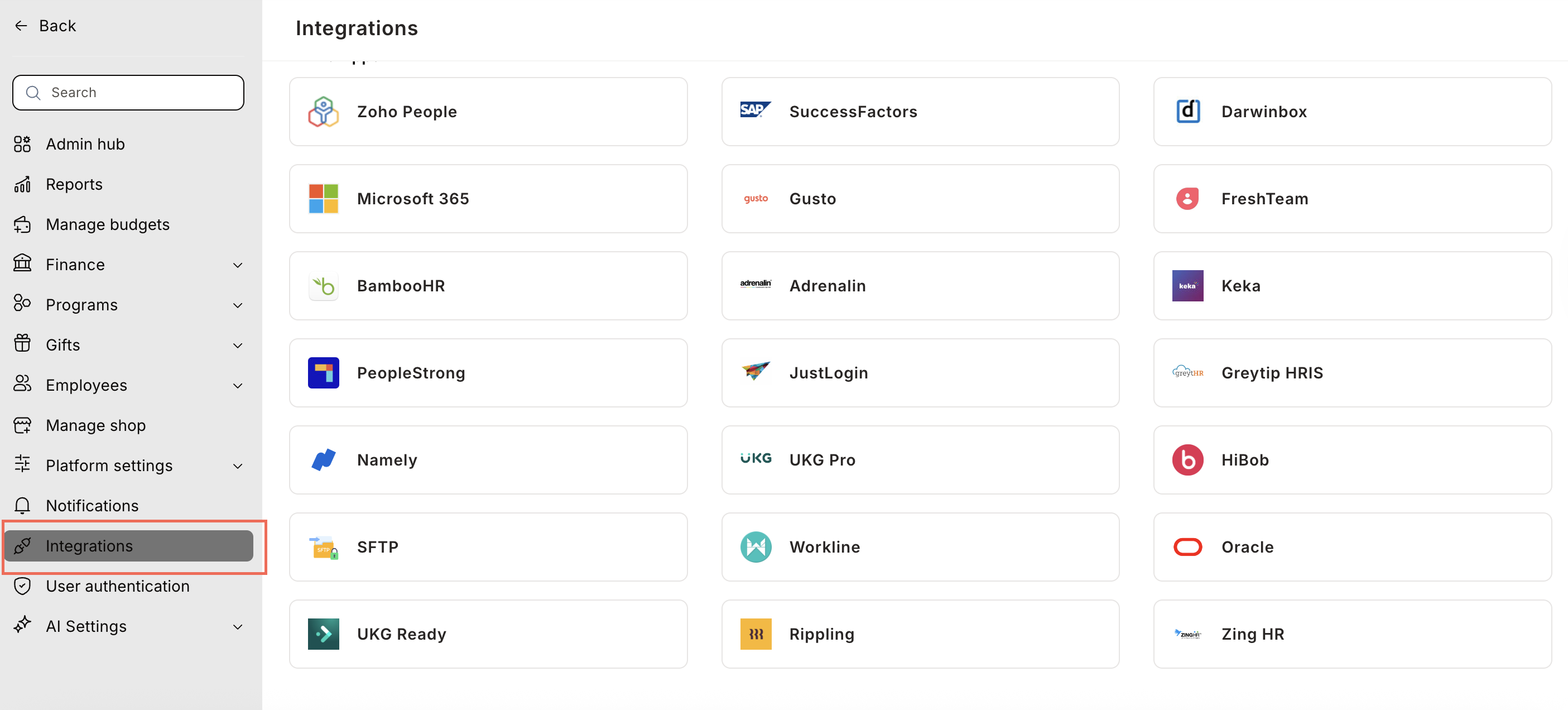
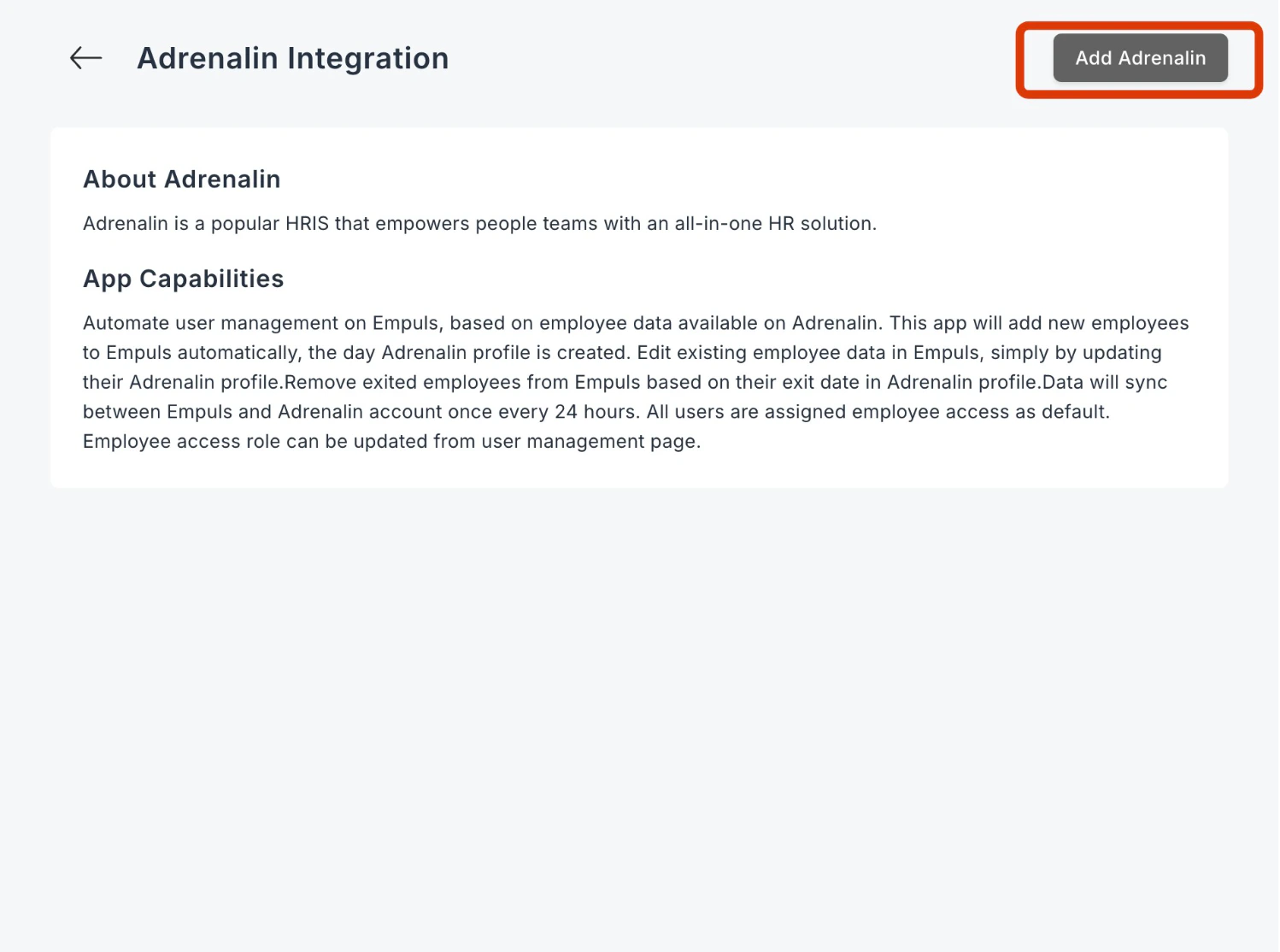
Define filtering criteria to avoid account creation
Define filtering criteria to avoid account creation for external consultants. Click on NEXT.
In this step, you can choose between two
In this step, you can choose between two data sync options:
- Run Date Sync Once Now: Select this option to launch your Empuls account immediately. This will create accounts for all employees and send invites.
- Schedule First Data Sync for Later: Select this option to schedule employee account creation to a later date and time. This will help you plan and execute employee account creation on Empuls to coincide with your internal launch announcements.